Exporting/Importing Automation
You can export and import an automation in JSON format. This task explains how to export an automation and import an automation file.
You can export and import an automation in json format.
-
To export an automation:
-
In the card view, click
 in an automation card that you want to export and then click Export.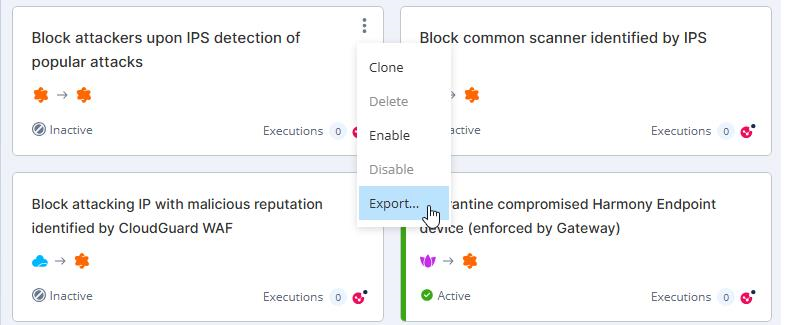
-
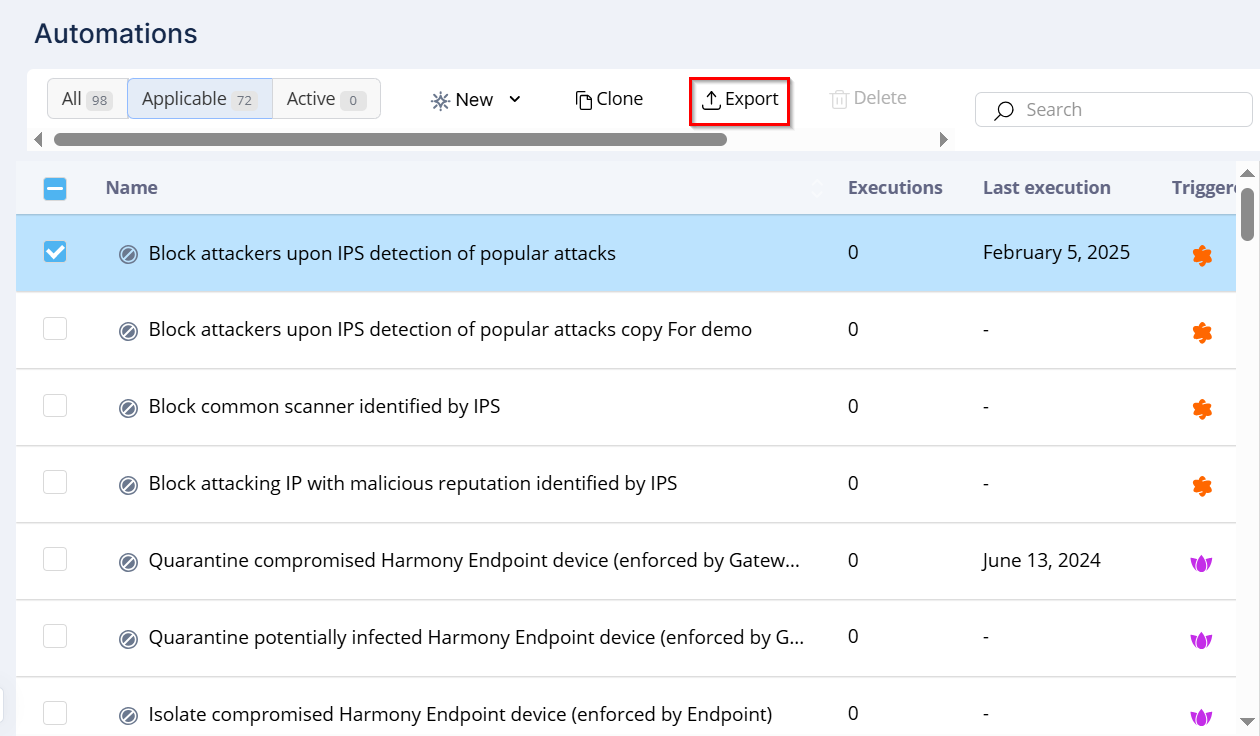
In the table view, select the automation that you want to export and then click Export.
-
-
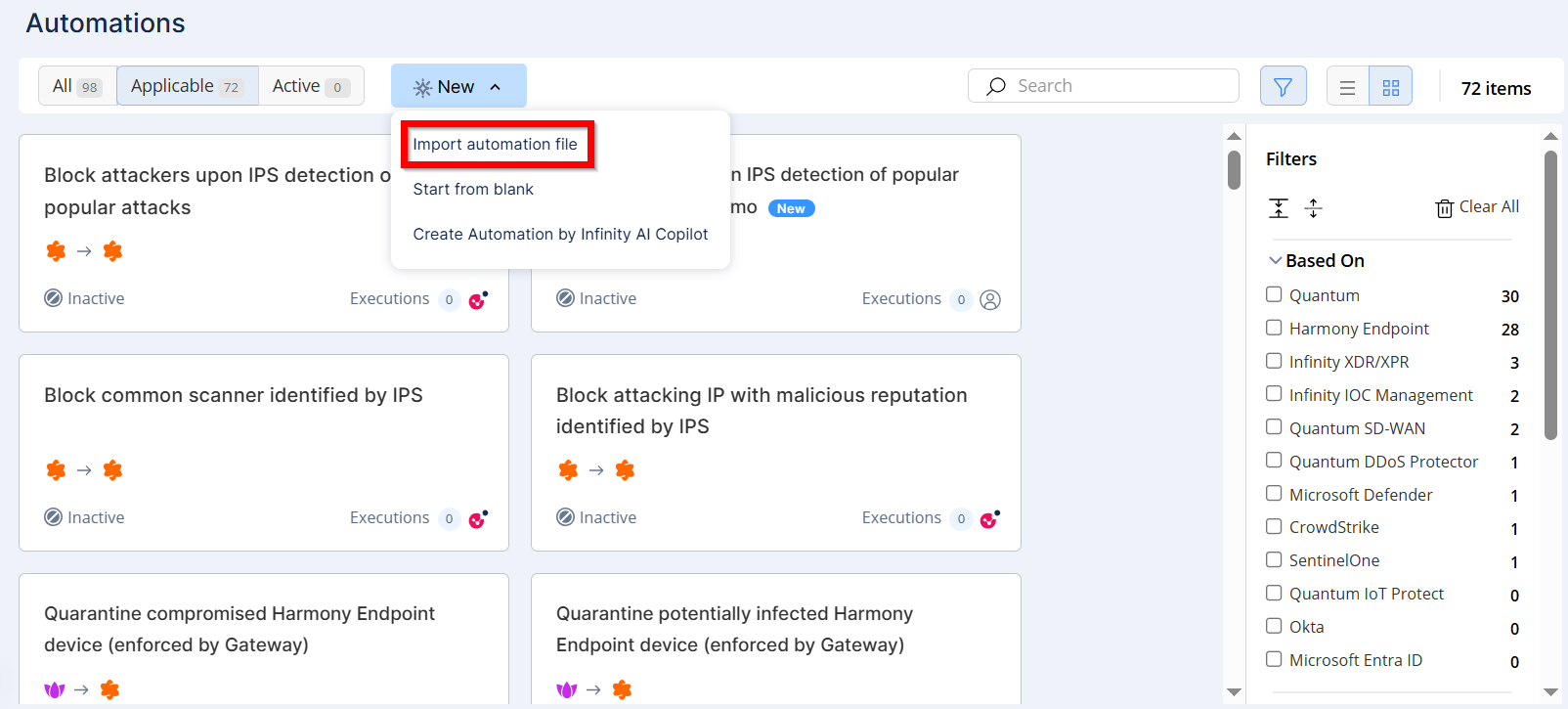
To import an automation, click New.
-
Select Import automation file.
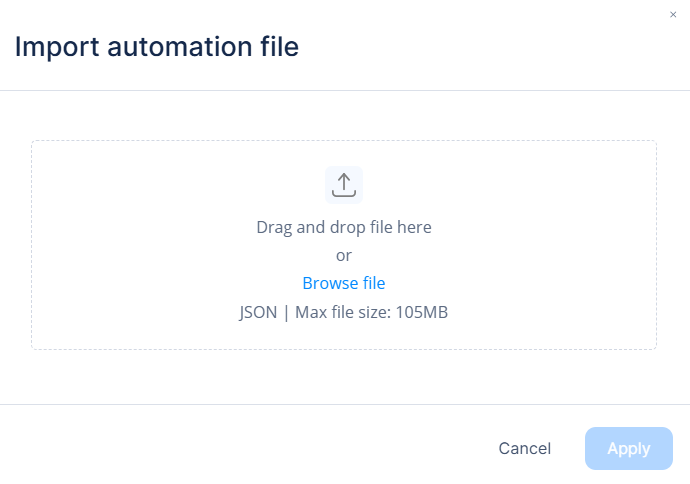
The Import automation file window appears.