
Creating Automation from Blank
Creating an automation from blank allows you to build fully customized flows from scratch and tailor every step to your specific use case.
Creating an automation from blank allows you to build fully customized flows from scratch, tailoring every step to your specific use case.
To create an automation from blank:
-
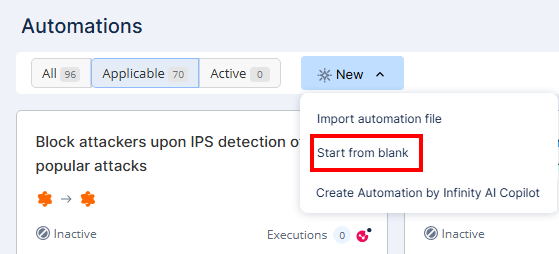
Click New and select Start from blank.
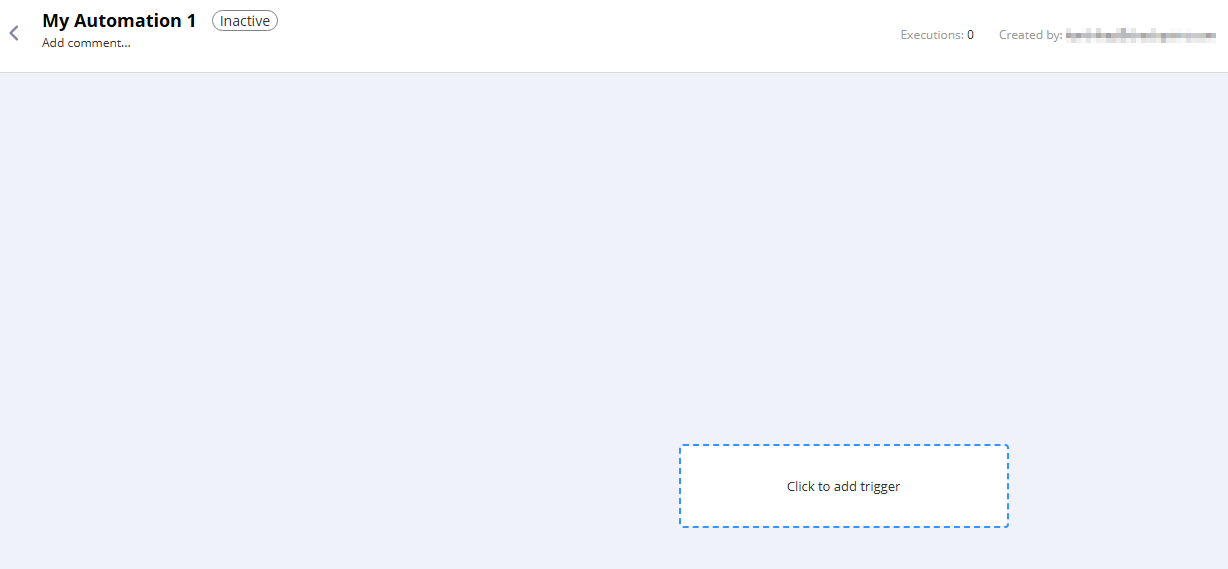
A new automation window appears.
-
Click the box to add a trigger.
-
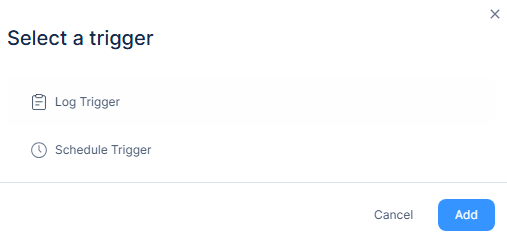
Select a trigger:
-
Log Trigger - To monitor specific log types with optional filters and time intervals. See Log Trigger.
-
Schedule Trigger - To execute the automation at defined time intervals. See Schedule Trigger.
-