
Enrichments
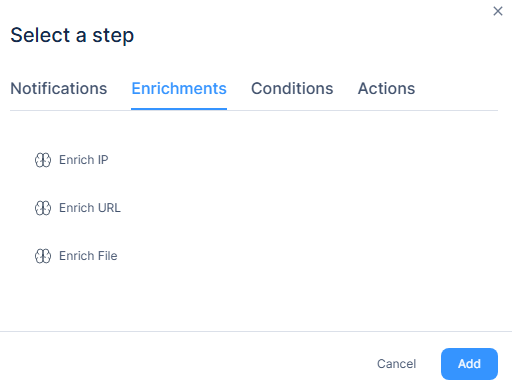
Use enrichment steps to query the Reputation Service for IP addresses, URLs, or file hashes from previous step outputs. The enrichments provide threat intelligence data about the selected value.
Enrichments
Enrichment steps query Check Point Reputation Service to return relevant data for IP addresses, URLs, or file hashes from previous step outputs. Each enrichment provides threat intelligence about the value being checked.
-
Enrich IP
-
To return data for an IP address, select Enrich IP.
-
Click Add.
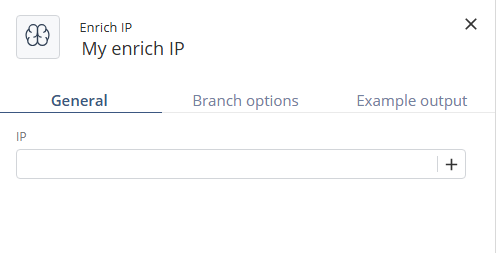
The Enrich IP window appears.
-
Enter an IP address selected from previous steps outputs.
The system returns the following information:

-
Click Create.
-
-
Enrich URL
-
To return data for a URL, select Enrich URL.
-
Click Add.
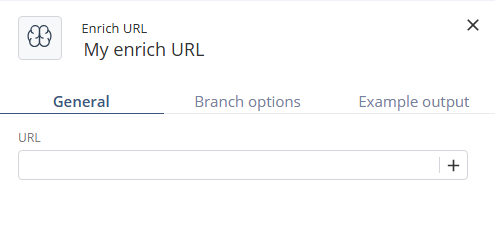
The Enrich URL window appears.
-
Enter a URL selected from previous steps outputs.
The system returns the following information:

-
Click Create.
-
-
Enrich File
-
To return data for a file hash, select Enrich File.
-
Click Add.
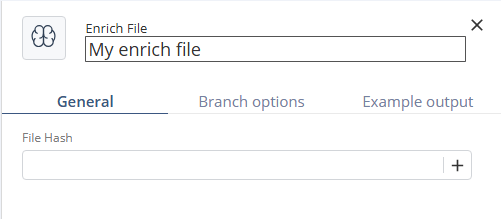
The Enrich File window appears.
-
Enter a file hash selected from previous steps outputs.
The system returns the following information:

-
Click Create.
-