Delete a file on an Endpoint Security device by configuring the target device and file path settings. This task explains how to create the delete file action.
This task describes how to configure a Delete file on Endpoint Security device action to remove a specific file from an endpoint device.
-
Select Delete file on Endpoint Security device and then click Add.
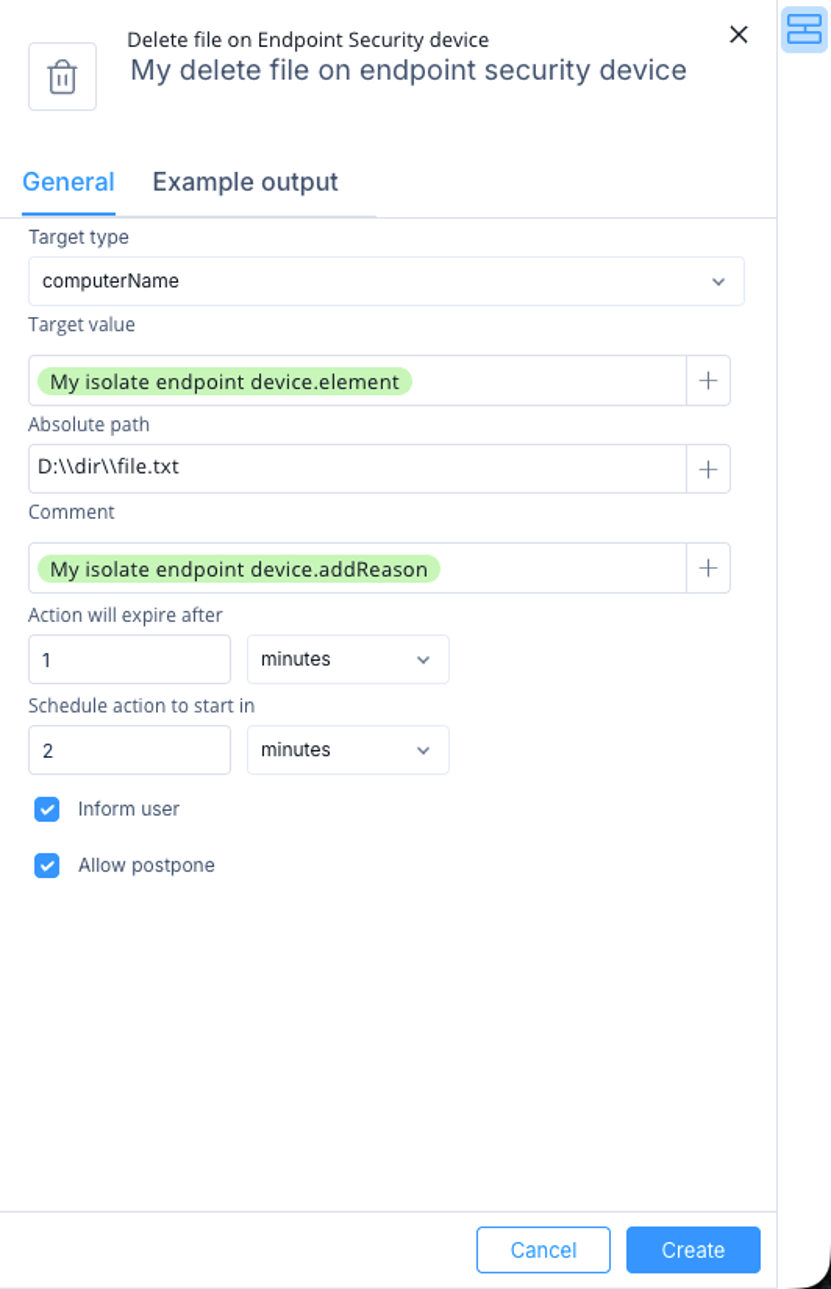
The Delete file on Endpoint Security device window appears.
-
Specify these:
-
Target type - Select how to identify the device:
-
computerName
-
computerId
-
computerIp
-
Target value - Enter the value that matches the selected target type, or select a value from previous step outputs or automation parameters.
-
Absolute path - Enter the full path of the file to delete.
-
Comment - Optional comment for the action.
-
Action will expire after - Select when the action expires.
-
Schedule action to start in - Select when to start the action. Use 0 to run immediately.
-
Inform user - Notify the endpoint user with a UserCheck popup message.
-
Allow postpone - Allow the endpoint user to postpone the operation.
-
Click Create.