Enabling the Automation
This topic describes how to enable an automation in Playblocks. Automations are enabled by default but can be manually activated.
-
Turn on the Enable toggle button in the upper right corner.

-
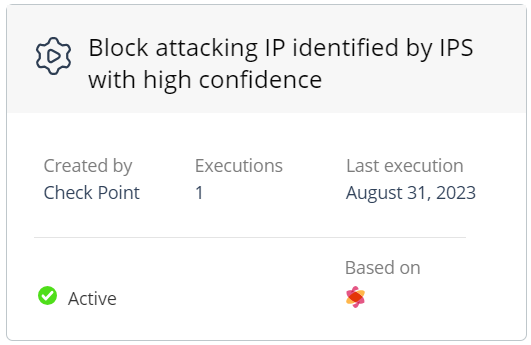
After the automation is enabled, the status in the automation card changes to Active.