
Executions
This topic describes the Executions page and how to access it. It provides an overview of the information shown for executed automations.
The Executions page shows a log of all the executed automations in your account. It also shows the parameters and all the steps in the output of an execution.
To view the Execution page, access Playblocks and click Execution.
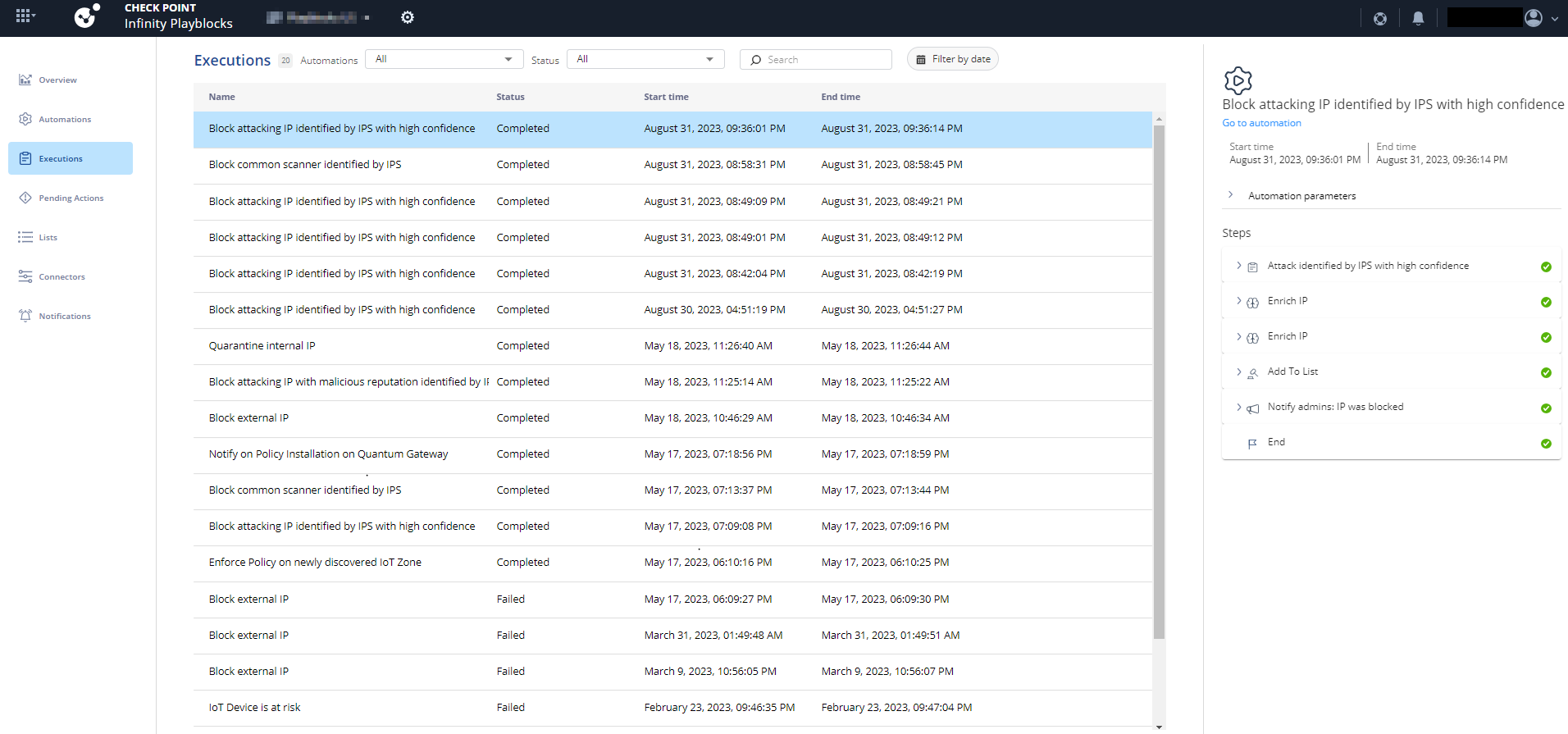
| Column | Description |
|---|---|
| Name | Execution name. |
| Status | Status of the execution:
|
| Start time | Date and time when the execution started. |
| End time | Date and time when the execution completed. |