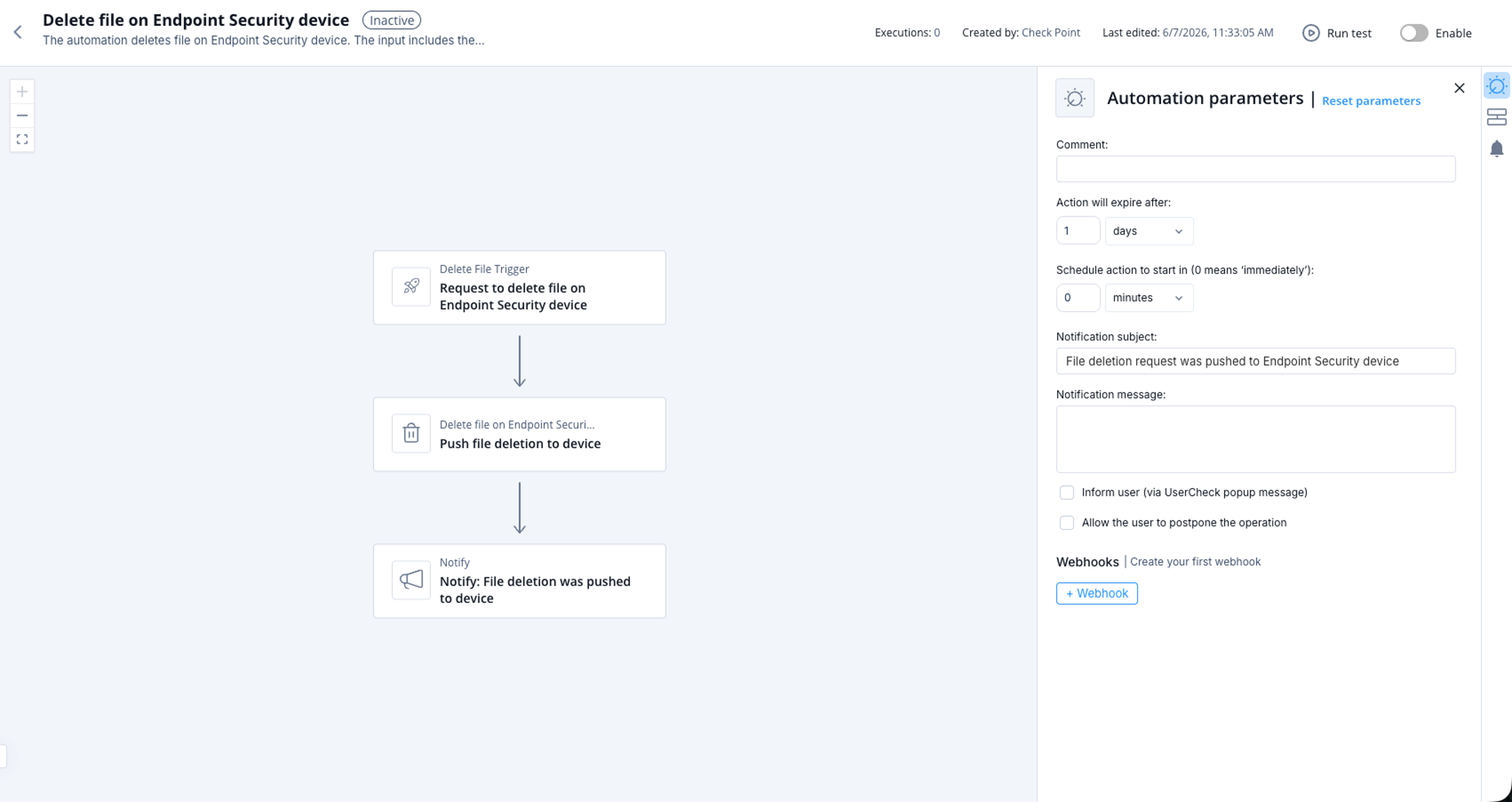
Delete file on Endpoint Security device
This topic describes the automation that deletes a file on a Endpoint Security device and outlines its parameters, triggers, and workflow.
The automation deletes file on Endpoint Security device.
Supported Product
Endpoint Security
Parameters
|
Comment |
(Optional) Enter a comment or description. |
|
Action will expire after |
Set the expiration period for the automation. |
|
Notification subject |
Enter a subject for a notification you receive through a configured communication tool. |
|
Notification message |
Enter the text for a notification you receive through a configured communication tool. |
|
Inform user (via UserCheck popup message) |
Select the checkbox to get a popup message during the operation. Otherwise, the automation is executed silently. |
|
Allow the user to postpone the operation |
Select the checkbox to postpone the operation. |
Trigger
The input includes the target, its type and the path of the file to delete.
Supported types:
-
computerName -
computerIp -
computerId
Matching deleted file on Endpoint Security device.
To view the example of this log, click ../running-automation/running-the-automation.dita.
Flow