Alert on Generative AI Risky Session
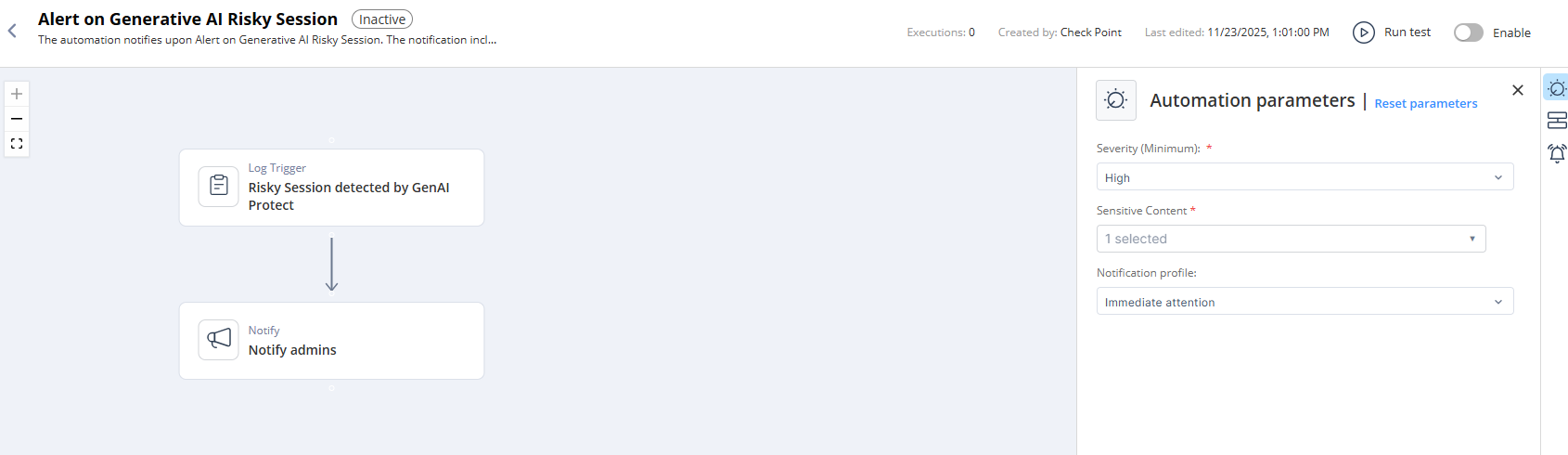
This topic describes notifications generated when a Generative AI risky session is detected and outlines the parameters, trigger conditions, and flow.
Supported Product
Check Point Infinity GenAI Protect
Parameters
|
Severity (Minimum) |
Set the minimum risk severity level that must be detected in a session for the automation to run. The automation triggers only when the session's risk severity is equal to or higher than the value you select. |
|
Sensitive Content |
Select the sensitive content types that should trigger the automation. The automation runs when the session includes any of the sensitive content categories you choose. |
|
Notification profile |
Select a notification profile to send the notification. For more information, see Notifications">Notifications. |
Trigger
When an AI Risky Session is detected.
To view the example of this log, click Run.
Flow