
WiFi Network Protection Settings
- Go to Policy and select a policy profile.
-
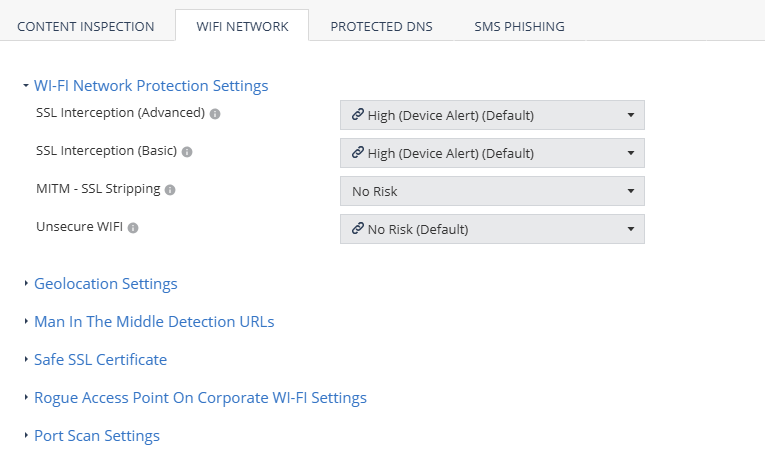
Click Network > WiFi Network and select the device risk level (from High to No Risk):
Setting Description SSL Interception (Advanced) Set the risk level when MITM attack intercepts HTTP traffic by using a valid certificate that does not match the certificate of the server. SSL Interception (Basic) Set the risk level when MITM attack intercepts HTTP traffic by using an invalid certificate that does not exist on the device trusted certificates, or is not trusted by a root CA. MITM - SSL Stripping Set the risk level when MITM attack intercepts all network traffic redirection from HTTP to HTTPS and strips the HTTP calls leaving the traffic as HTTP. Unsecure WiFi Set the risk level when the device connects to an unsecure WiFi network that is open or has no data encryption. For example, a public WiFi hotspot. - To save the policy changes, click Save.