Safe SSL Certificate
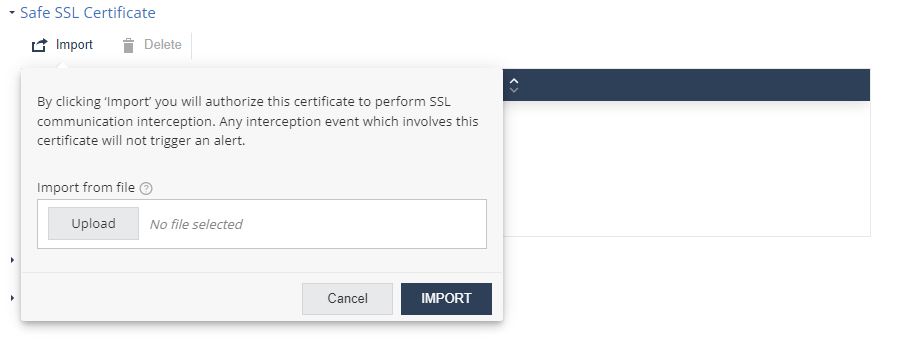
You can import trusted SSL certificates and authorize them to intercept SSL traffic so that any change in the certificate is not interpreted as a MITM attack.
-
Click Import and upload the certificate in
.pemformat.Click Import.