
Identity and Trust Enforcement
This topic describes Identity and Trust Enforcement, its related network objects, and the procedures to enable and configure Check Point Firewall Enforcement. It provides step-by-step instructions for managing enforcement and automation settings.
Identity and Trust Enforcement enables you to control and restrict access from non-compliant devices by leveraging real-time identity and compliance data.
-
Check Point Firewall R82 and higher is supported as the enforcer.
-
Identity and Trust Enforcement is available only on Check Point Firewalls with the Identity Awareness blade.
Playblocks adds these network objects to your Security Management Server:
-
Not Compliant Devices Policy - An access layer for controlling traffic from non-compliant devices.
-
Identity Awareness Policy - UserCheck Interaction. A block page that appears in the browser for non-compliant devices.
-
Not Compliant Devices - Access role based on the Not_Compliant_Devices identity tag which provides access to the list of non-compliant devices from Identity and Trust.
Note:Not_Compliant_Devices is an identity tag used to identify non-compliant devices.
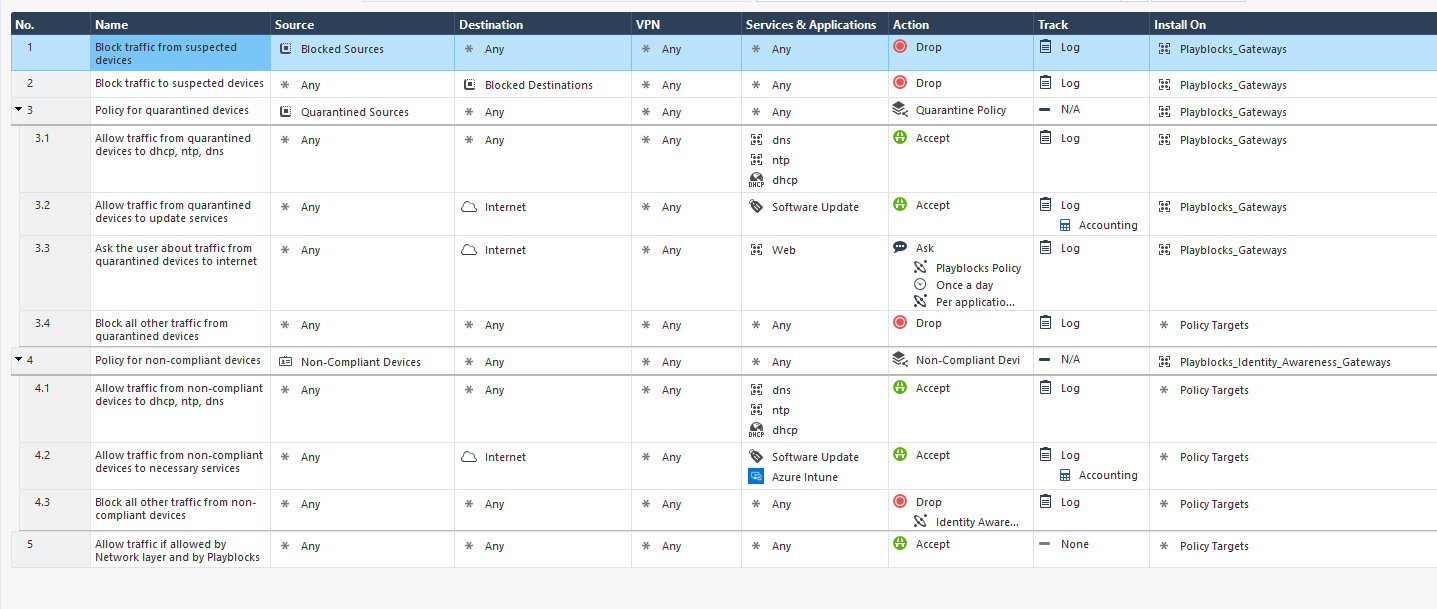
To enable Identity and Trust Enforcement:
-
Turn on the Enabled toggle button.
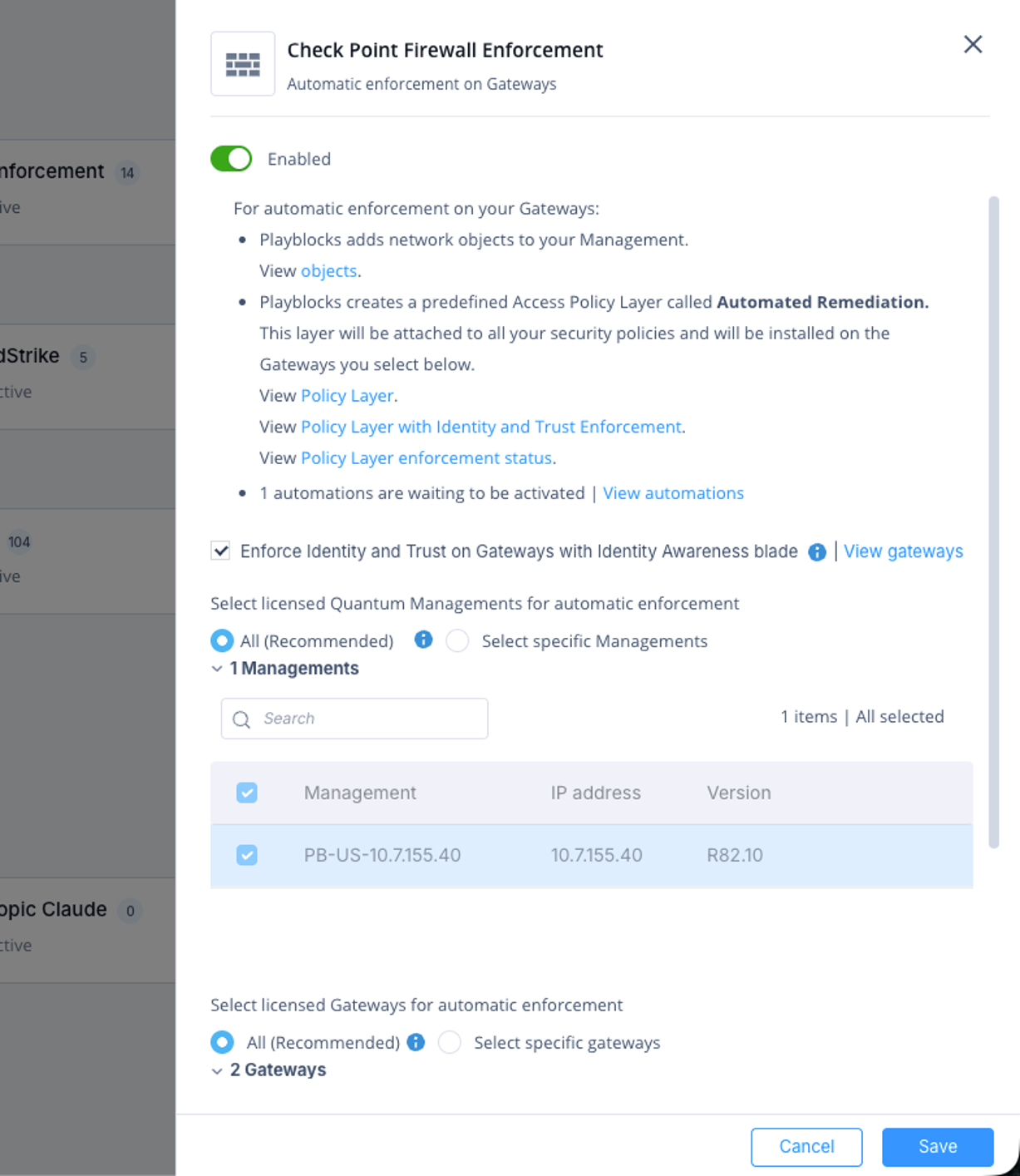
To select the Check Point Firewall Management to add to Check Point Firewall Enforcement:
-
Access Playblocks and click Connectors.
-
Select Check Point Firewall Enforcement.
-
Turn on the Enabled toggle button.
-
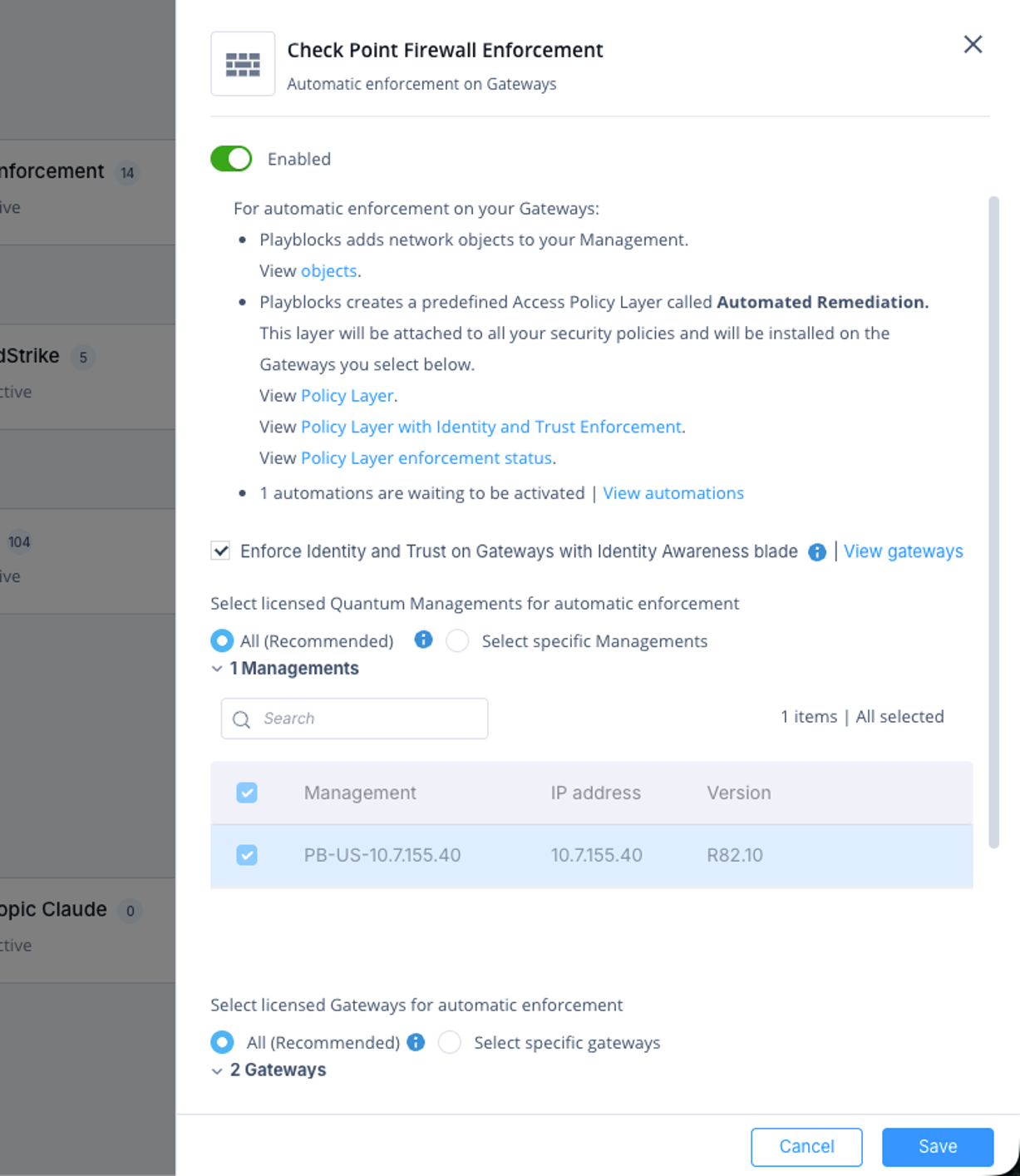
To add all Check Point Firewall Managements to Check Point Firewall Enforcement, click All (Recommended). In addition, this automatically enables Check Point Firewall Enforcement on additional management environments that connects to the Check Point Portal Managements.
-
To manually select the specific Check Point Firewall Managements, click Select specific gateways and then select the Check Point Firewall Managements.
-
Click Save.
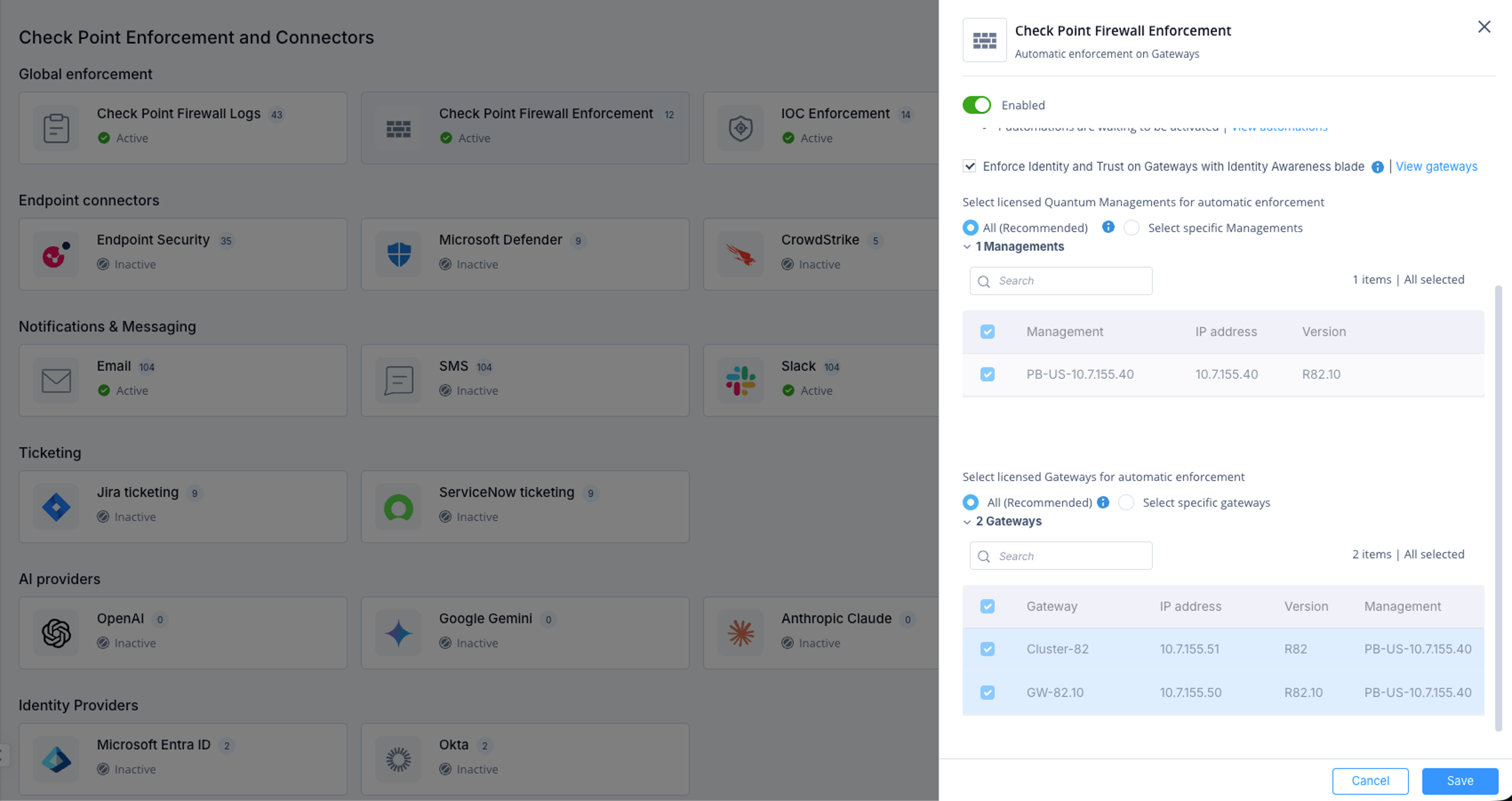
To select the Check Point Firewalls to execute the automation:
-
Access Playblocks and click Connectors.
-
Select Check Point Firewall Enforcement.
-
Turn on the Enabled toggle button.
-
To execute the automation on all the Check Point Firewalls, click All (Recommended). In addition, this automatically executes the automation on a new Check Point Firewall detected by Playblocks.
-
To manually select the specific Check Point Firewalls, click Select specific gateways and then select the firewall.
-
Click Save.