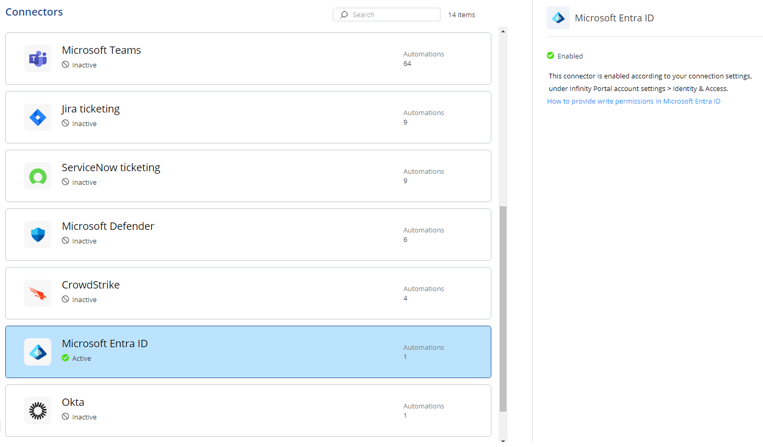
Microsoft Entra ID
This task describes how to connect Microsoft Entra ID with your Check Point Portal account. Follow the steps to configure and enable the connector.
- Sign in to Check Point Portal.
- Go to Account Settings > Identity & Access.
- Follow the instructions in the Check Point Portal Administration Guide.
Once connected, the Microsoft Entra ID connector is automatically enabled.