Files - Blocked / Allowed Locations
In this section, you can configure network locations that mobile devices use to download apps or iOS management profiles.
Note:
You can add up to 100 entries to the Blocked/Allowed Locations list.
-
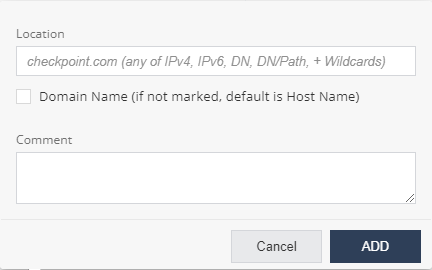
Click Add.
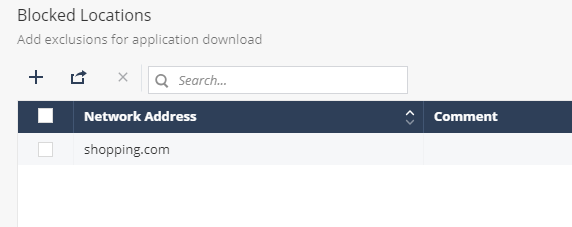
The Blocked Locations table appears.
 Note:
Note:To allow a network location, select Policy Profile > File > Allowed Locations, and click Add.
-
In the Location field, enter the network location to block in one of these formats: IPv4, IPv6, Domain Name (DN), DN/URL, + Wildcards.