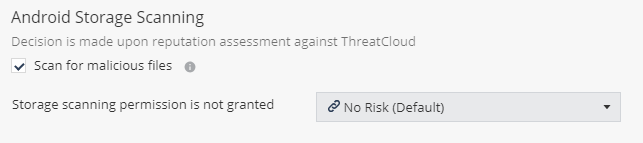
Android Storage Scanning Go to Policy and select a policy profile. Click File > File Protection > Android Storage Scanning. Select the Scan for malicious files checkbox. Select the risk level if storage scanning permission is not granted. To save the policy changes, click Save.