
Triggering an Out-of-the-Box Automation Using Webhooks
This task explains how to trigger an automation using a webhook. It outlines the required steps to configure and create a webhook.
-
In the Automation Parameters panel, click +Webhook.
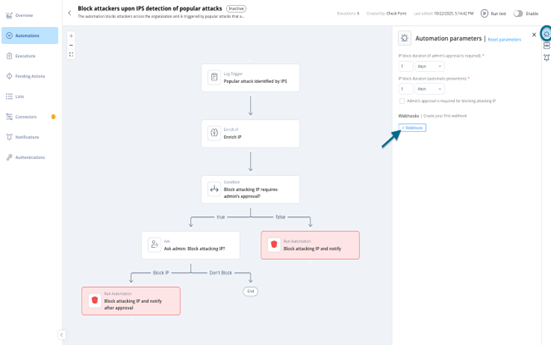
-
In the New Webhook window, enter the required details.
-
(Optional) Authentication
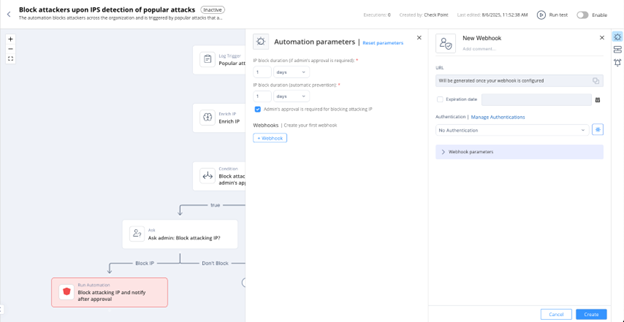
-
(Optional) Authentication