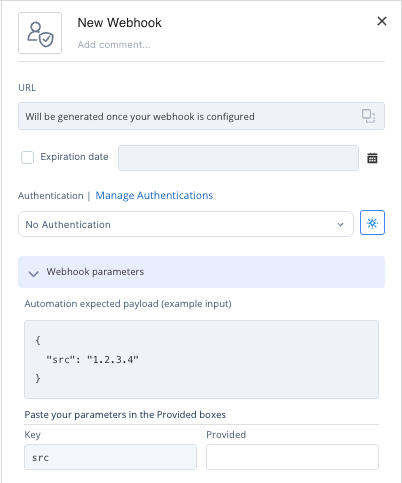
Triggering a Custom Automation Using Webhooks
This task describes how to trigger a custom automation using a webhook and configure its parameters. It guides users through adding a webhook trigger and defining the example output.
-
Click Click to add trigger, select Webhook Trigger and click Add.
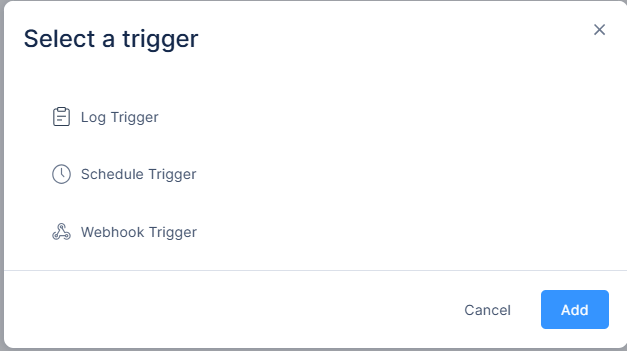
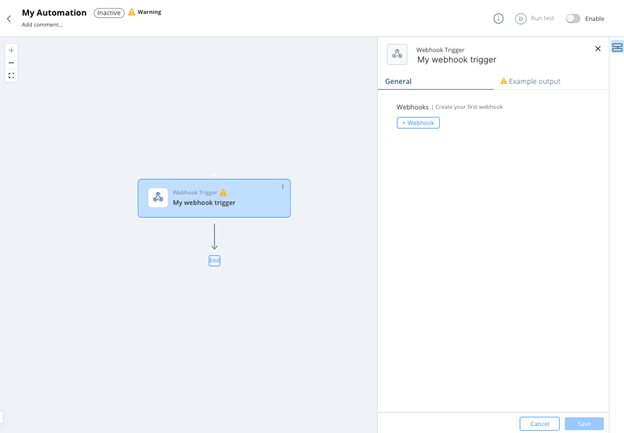
Webhook trigger is created.
-
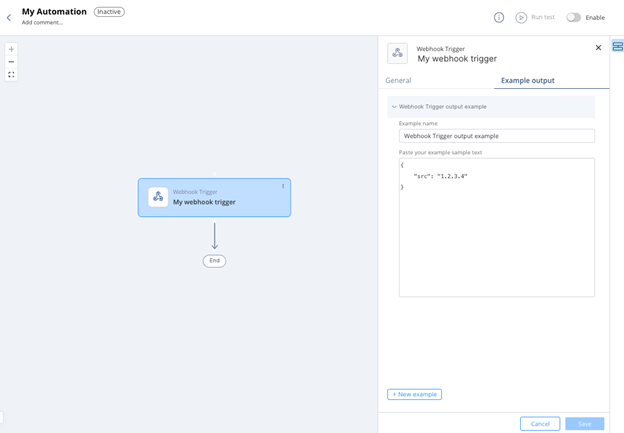
Configure the Example Output to define the expected webhook payload that third-party systems send to trigger the automation.
The example shows the fields that the system passes to the subsequent steps.
-
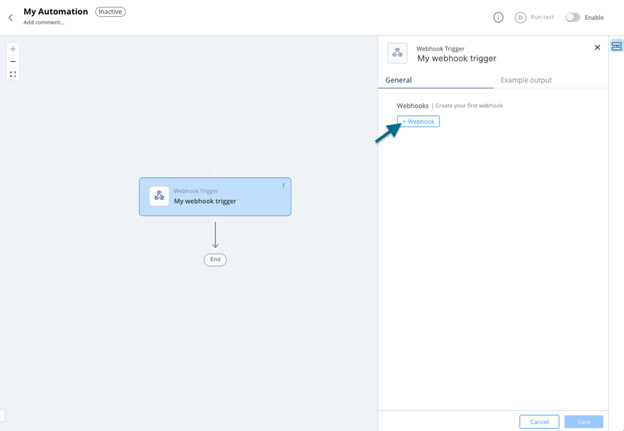
In the General tab, click +Webhook.
-
After you use a field from the trigger's example output in a subsequent step, add field mapping to it under Webhook Parameters.