Triggering a Cloned Automation Using Webhooks
This task describes how to trigger a cloned automation using a webhook. It guides you through replacing the trigger and configuring webhook parameters.
-
Open Automation, click
 and select Replace Trigger.
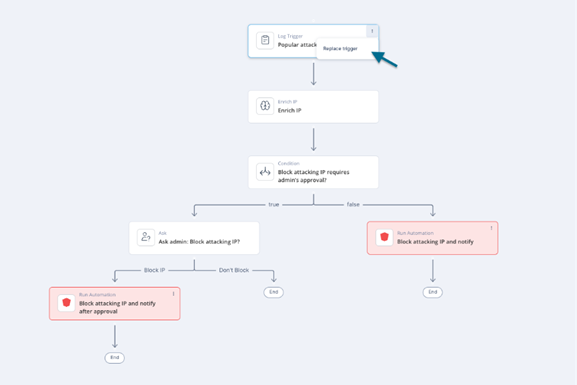
-
Selected Webhook Trigger, click Add.
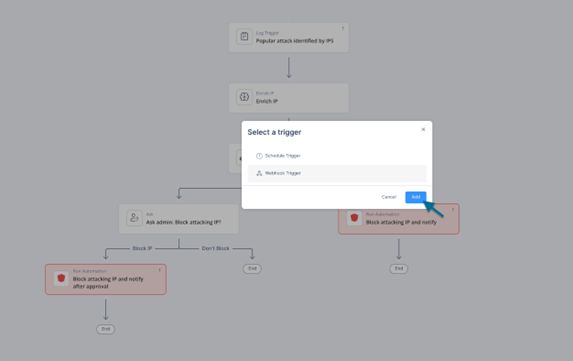
-
Click Continue to replace the trigger.
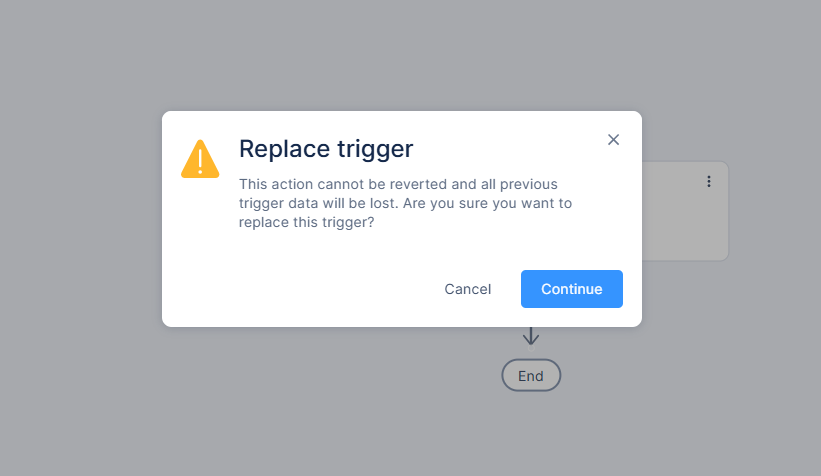
A warning message appears
 Note - Replacing a trigger permanently deletes all previous trigger data. This action cannot be undone.
 -
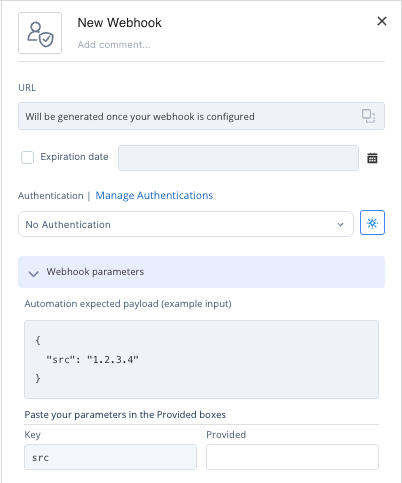
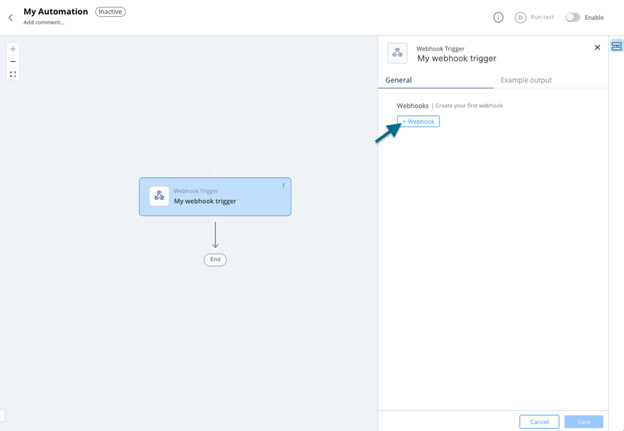
In the General tab, click +Webhook.
-
After you use a field from the trigger's example output in a subsequent step, you can add field mapping to it under Webhook Parameters.