
Importing a Policy
-
Click Import Policy.
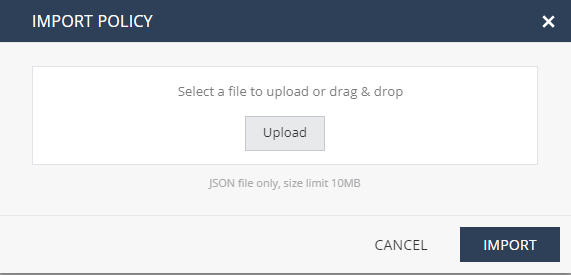
The Import Policy window appears.
-
Click Upload and select the policy file. Optionally, you can drag and drop the file from its location.
Note:
-
The only supported file type is JSON, with maximum size of 10 MB.
-
If the same policy name exists in your tenant, the imported policy overrides it.
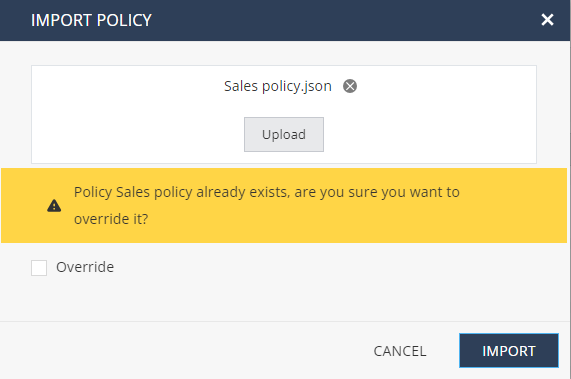
To override the existing policy, select the Override checkbox.
-