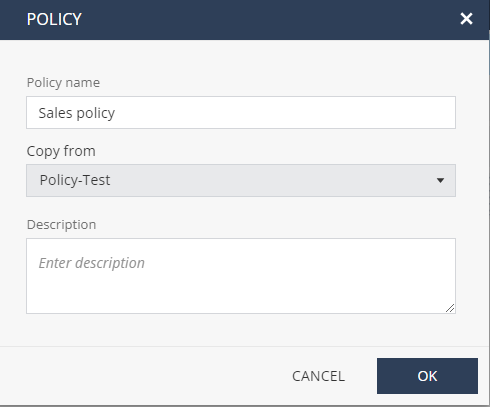
Copying an Existing Policy Go to Policy and click the + icon next to Policy Profiles. Click Copy Policy. Optionally, you can hover over the policy name and click the icon. The Policy window appears. Enter a name for the new policy. From the Copy from list, select the policy that you want to copy. Enter a description. Click OK. You can edit the policy in the profile editing view, or edit it at any time on the Policy Profiles list. To activate the policy, see Rulebase.
 icon.
icon.
 icon.
icon.