
Configure a notification profile
This task explains how to configure a notification profile in Playblocks. It includes steps for selecting channels, managing recipients, and previewing notifications.
-
Go to the Channels tab.
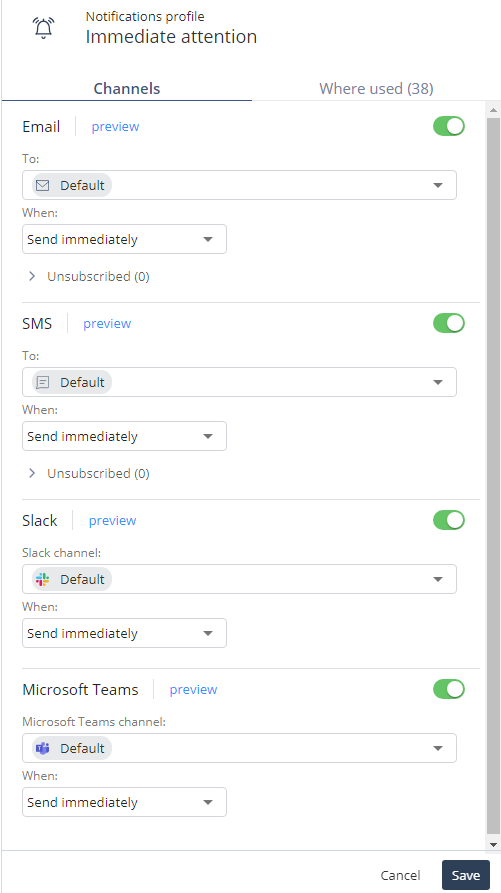
-
To preview the notification, click Preview.
The Report Preview window appears.
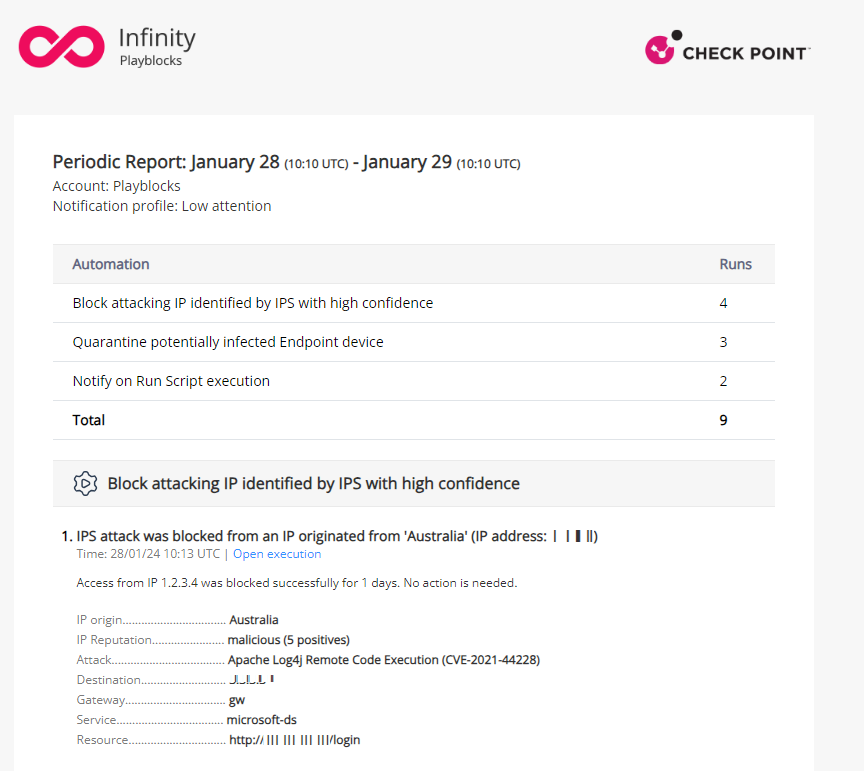
-
Click
 .
.
The Add to unsubscribe list window appears.
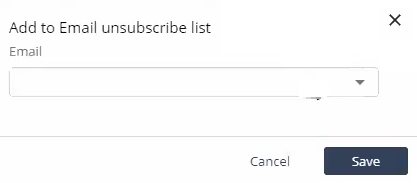
-
To preview the notification, click Preview.
-
To know the automation and the step where the notification profile is used, click the Where used tab and click
 .
.
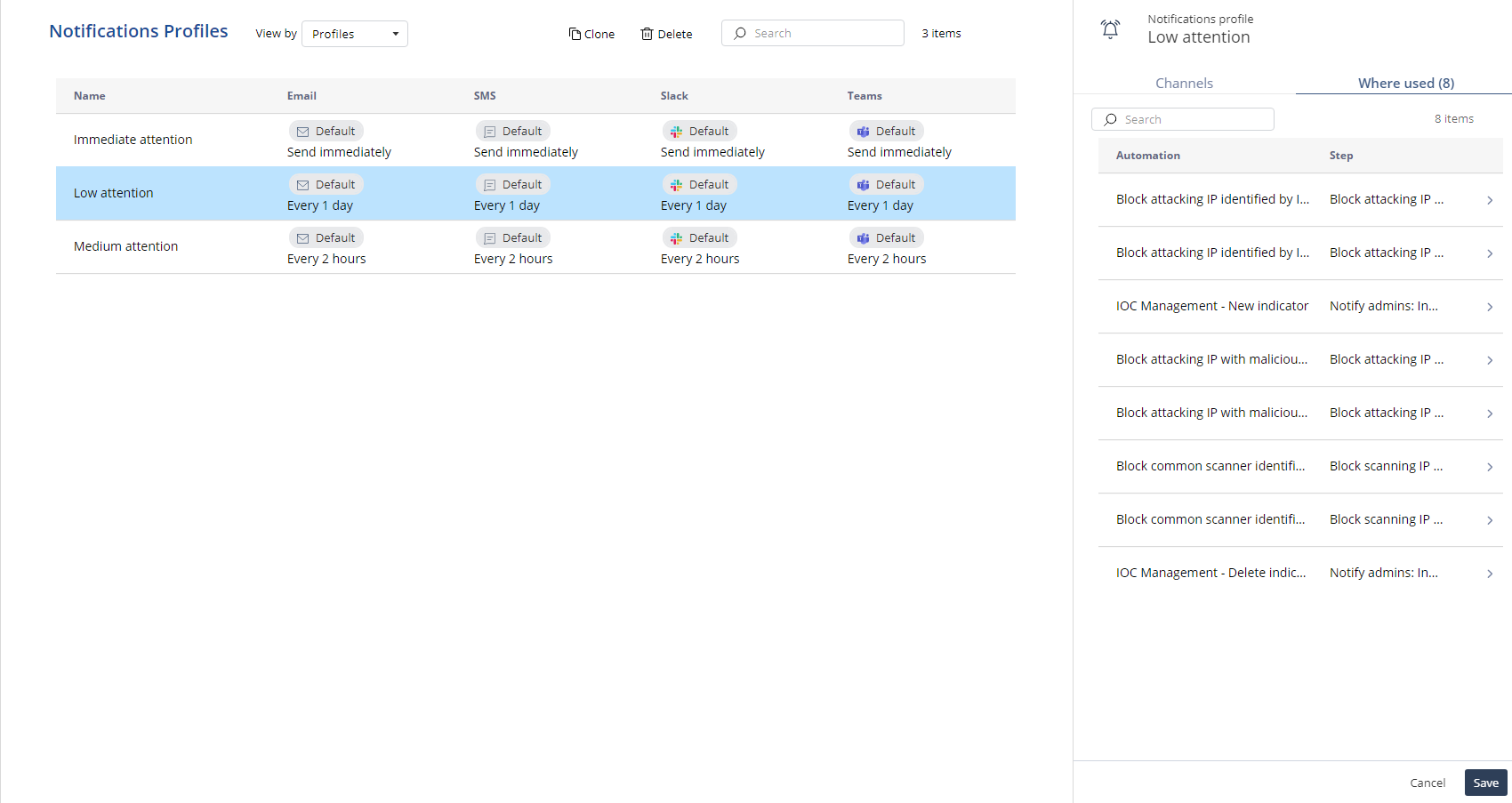
The system redirects to the Automation page.