Cloning a Notification Profile
This task describes how to clone an existing notification profile. Follow the steps to duplicate a profile and prepare it for further configuration.
-
Click Clone.
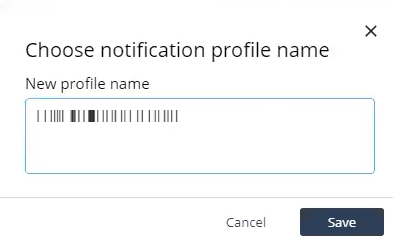
The Choose notification profile name pop-up window appears.