Appendix D - Creating an API Token in Atlassian Account
This task describes how to create an API token in an Atlassian account for Jira integration with Playblocks. It includes step-by-step instructions for generating and copying the token.
-
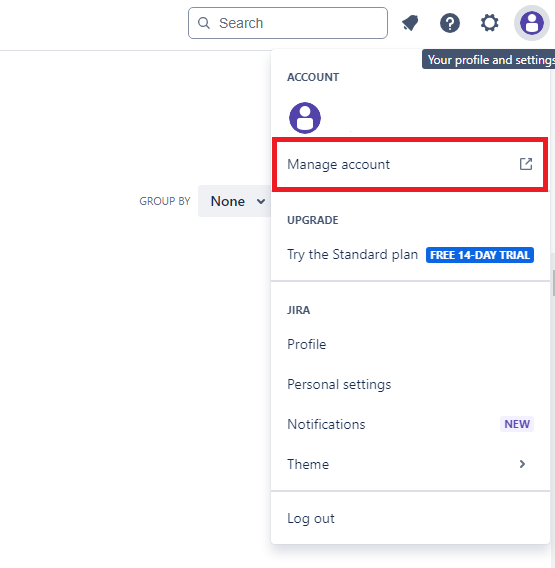
Click your profile icon at the top left corner and select Manage account.
-
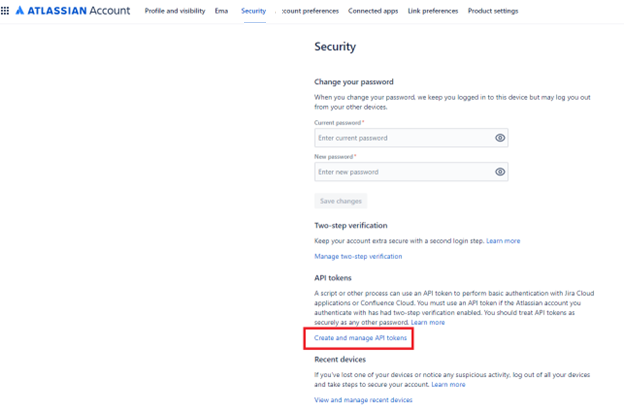
In the API tokens section, click Create and manage API tokens.
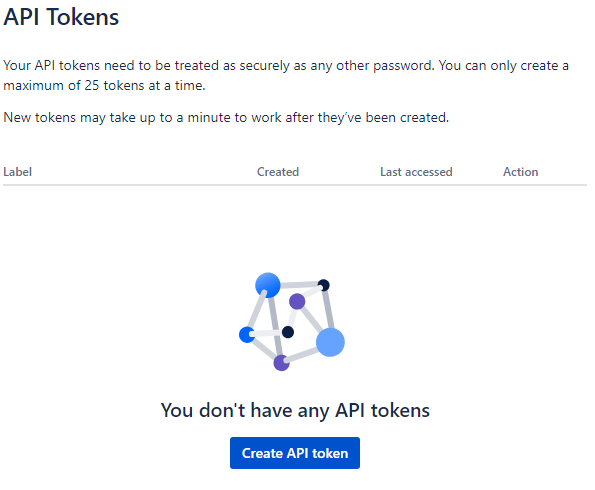
The API Tokens page appears.
-
Click Create API token.
The Create an API token window appears.
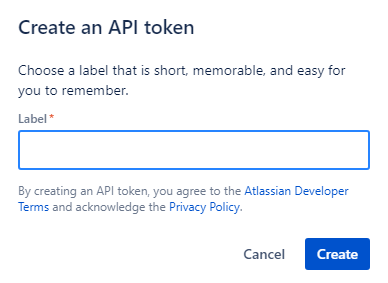
-
Click Create.
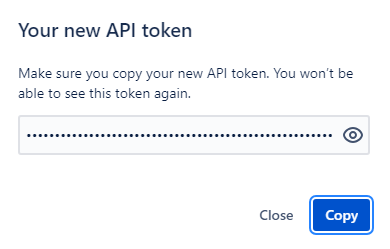
The Your new API token window appears.