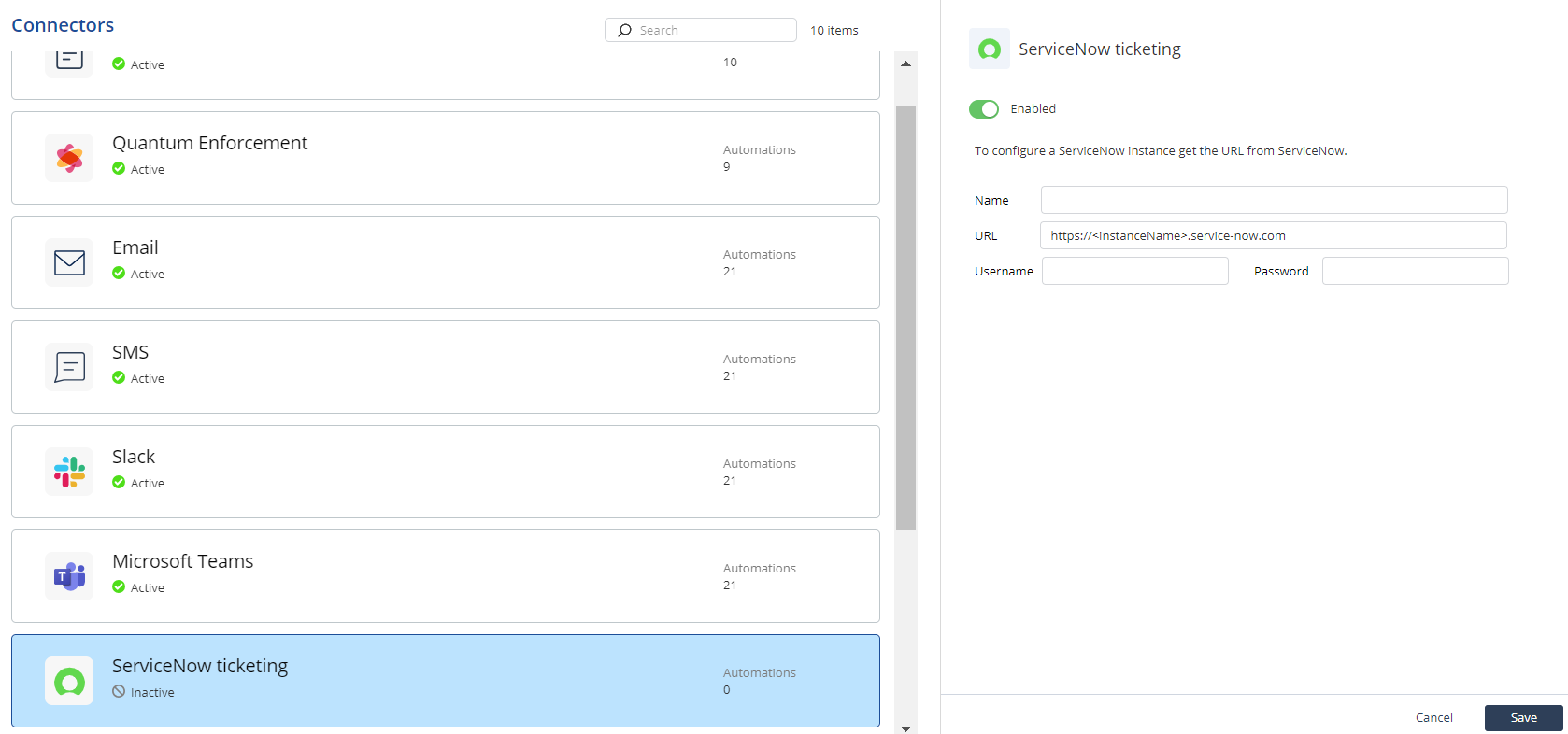
ServiceNow Ticketing
Configure a ServiceNow Ticketing connector to receive incident details and responsive actions through ServiceNow Ticketing.
You can receive details of the incident and responsive action taken through ServiceNow Ticketing.
Important:
Before you configure the ServiceNow Ticketing connector, create a ServiceNow account for Playblocks. For more information, see Appendix A - Creating a User with Specific Roles in ServiceNow
To configure a ServiceNow Ticketing connector:
-
Select ServiceNow ticketing.