SentinelOne
The integration of Playblocks with SentinelOne allows you to receive real-time alerts from SentinelOne agents and take corrective actions through automations. These automated workflows enable faster responses and more efficient threat management.
Note:
Before you configure the SentinelOne connector, create a SentinelOne service user with sufficient permissions. For more information, see Appendix F - Creating a SentinelOne Service User.
Configure a SentinelOne connector
-
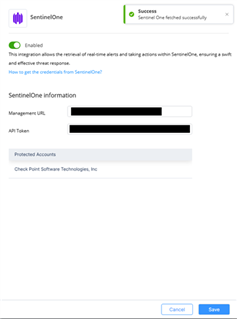
Select SentinelOne.
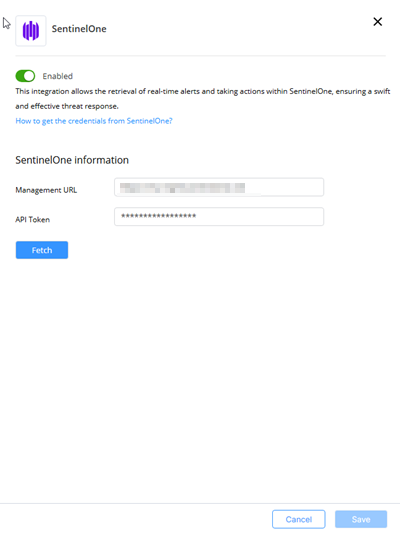
-
Click Fetch.