PagerDuty
The PagerDuty connector lets your automations open, acknowledge, and resolve incidents in PagerDuty as part of an automated response. PagerDuty is in the Alerting connector category - a category dedicated to incident-management platforms that own the on-call lifecycle (trigger → acknowledge → resolve) and escalation policies.
When the connector is configured, automations can use the Trigger Alert, Get Alert, Acknowledge Alert, Add Note to Alert, and Resolve Alert steps from the Alerting tab in the step picker. Each step's Provider field is set to PagerDuty.
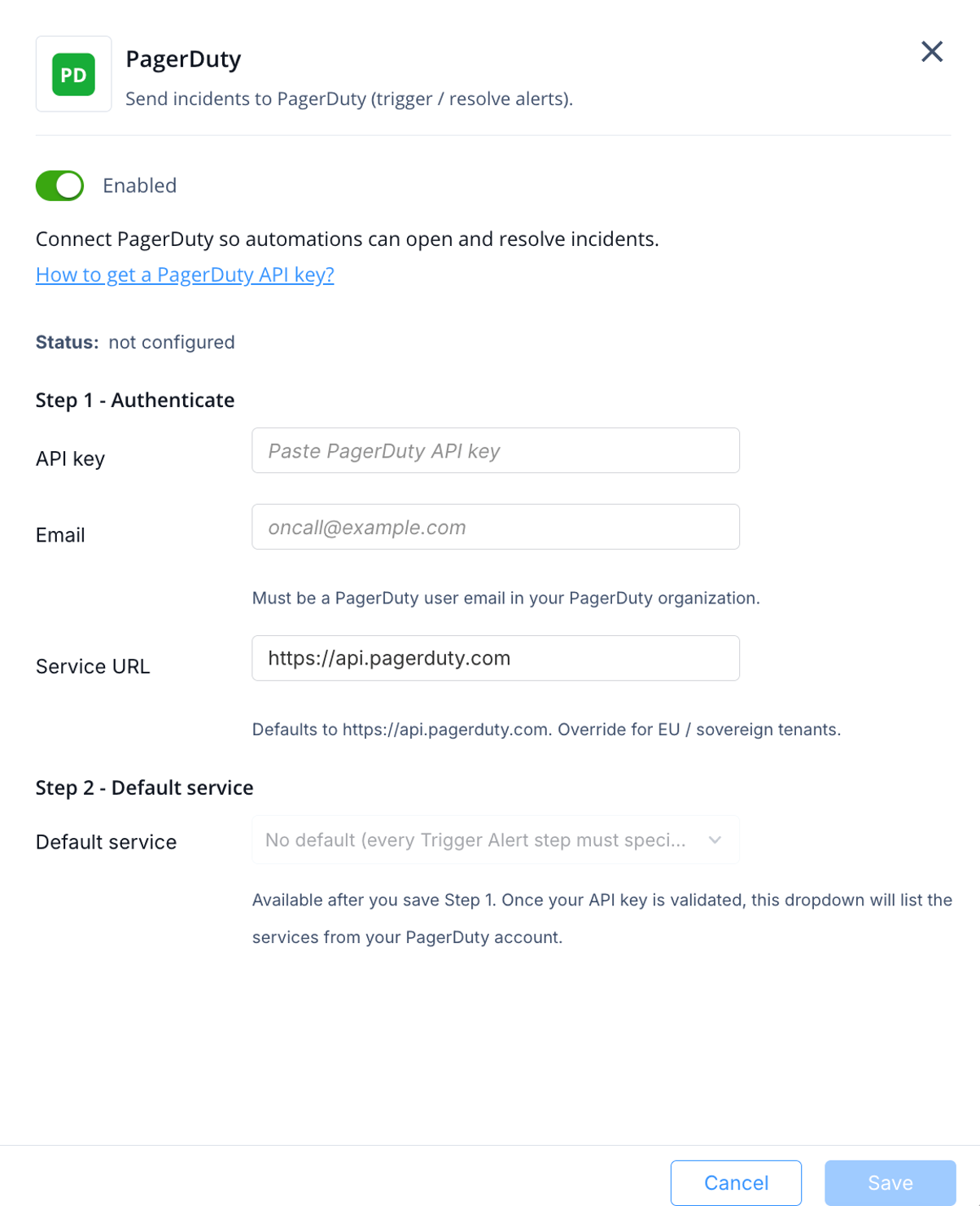
You must generate a PagerDuty General Access Key (an account-wide REST API key) and have one PagerDuty user email address available to attribute incident actions to. See Appendix I - Creating a PagerDuty General Access Key.
To configure the PagerDuty connector:
-
In the Alerting section, select
PagerDuty.