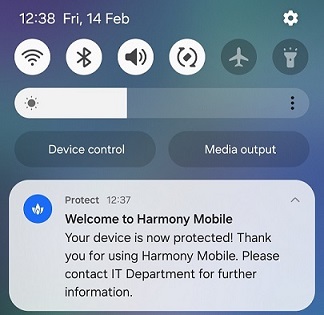
Zero Touch Notification
The Zero touch notification setting allows you to notify users when Mobile Security Protect app is automatically installed on their device.
Note:
The system sends a Zero Touch notification only if the UEM deployed the Mobile Security Protect app on devices through Zero Touch deployment.
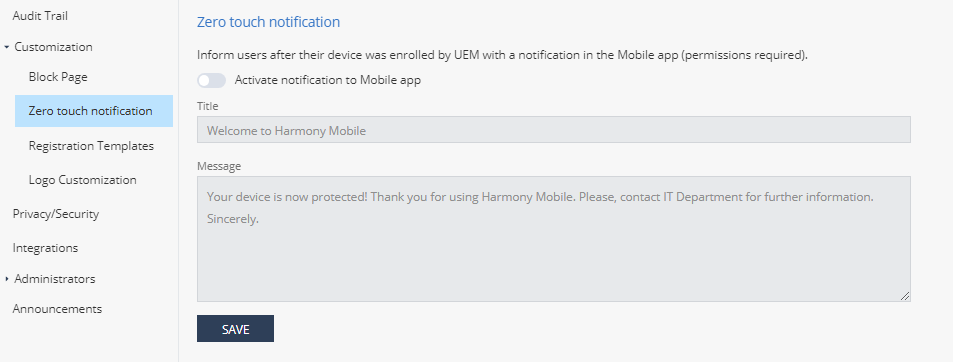
-
Click Save.
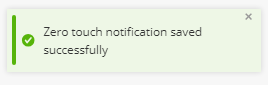
The system displays this message:
After the Mobile Security Protect app is installed and activated on the device, the user receives a notification from the Mobile Security Protect.