Privacy Notice
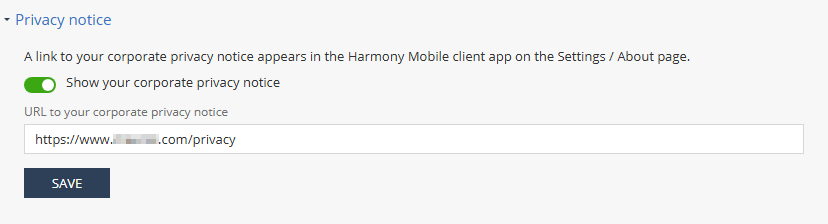
The Privacy notice setting allows you to add a link to your organization's privacy notice on the Settings > About page in the Mobile Security Protect app.
-
To add the link, enter the URL of your organization's privacy notice and click Save.
-
To hide it on the app, turn off the toggle and click Save.