User Consent and Privacy
User Consent and Privacy
The User Consent & Privacy setting allows you to:
-
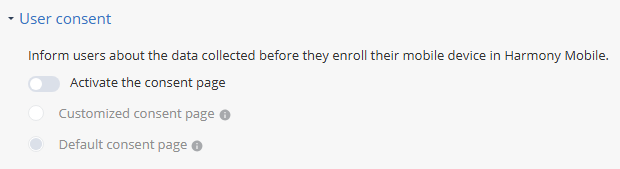
Enable and customize the consent page in the Mobile Security Protect app, which informs users about the data collected by Mobile Security.
-
Add a link to your organization's privacy notice in the Mobile Security Protect app.
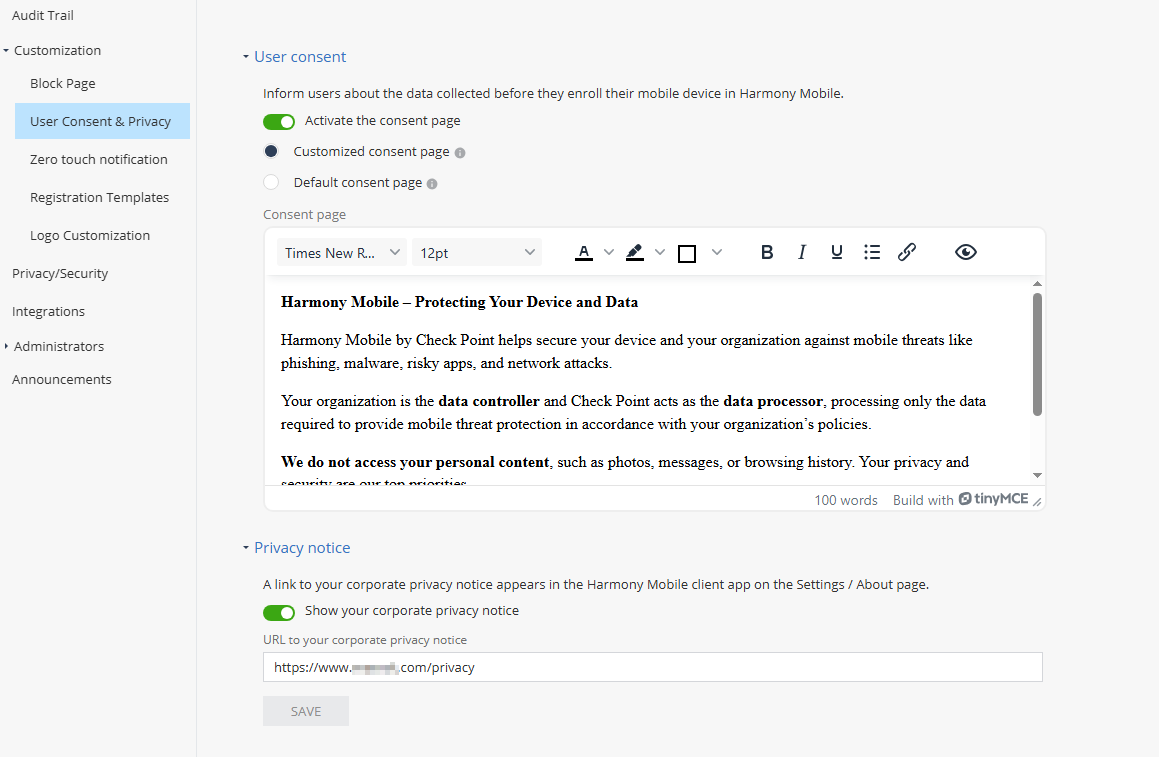
To access the User Consent & Privacy setting, go to Settings > Customization > User Consent & Privacy.
User Consent
The consent page appears at the first stage of the device registration process, before any data is collected or a protection mechanism is activated on the mobile device.
Users who do not agree with the consent page terms, must manually uninstall the Mobile Security Protect app.
-
Select one of these options:
-
Customized consent page
Enter and format your own text for the consent page.
In the Mobile Security Protect app, the text appears exactly as entered, with the same formatting and without automatic translation.
-
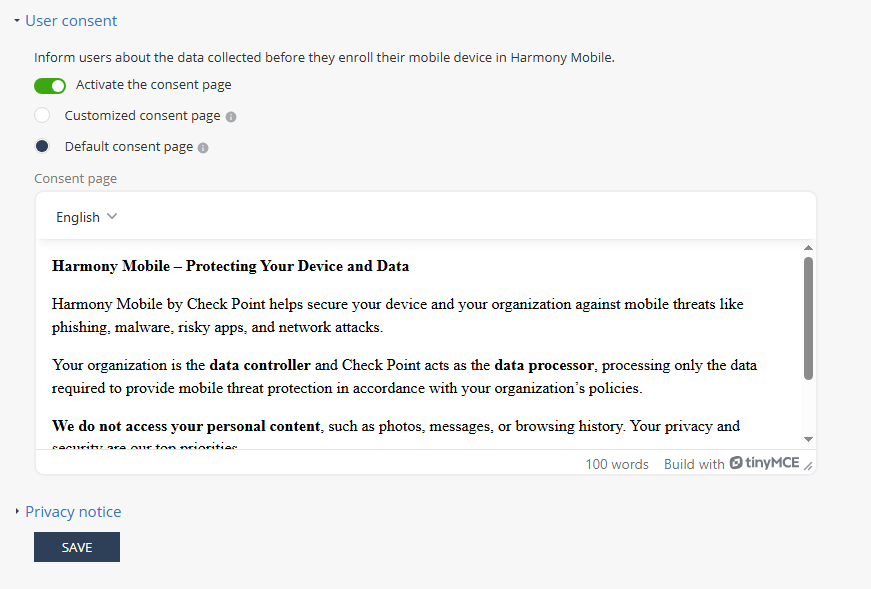
Default consent page
Displays the default text on the consent page.
-
In the Mobile Security Protect app, the text appears in the language set on the mobile operating system. The text formatting is adapted to the Mobile Security Protect theme (white on black background).
-
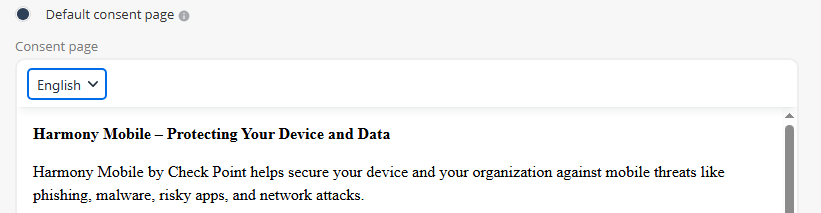
You can preview the default text in different languages by selecting a language from the list at the top.
-
-
-
Click Save.
Note:
To hide the consent page on the app, turn off the toggle and click Save.