
Restoring a quarantined file
Restoring a quarantined file allows an administrator to recover a file that was incorrectly identified as malicious.
|
|
Notes -
|
To restore or exclude a quarantined file:
-
Click Restore.
-
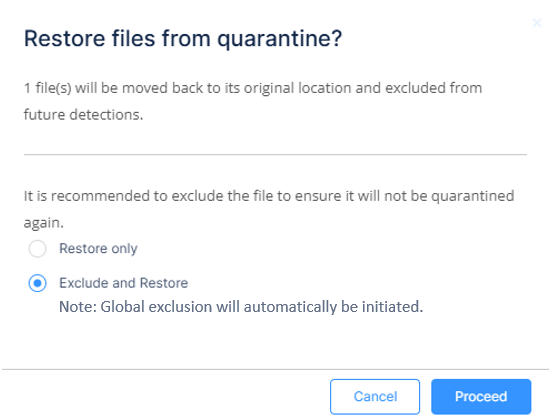
Select one of these options:
-
To restore a file from quarantine, select Restore only.

Notes:
-
The system restores the file to the same location from where it was quarantined.
-
If Endpoint Security detects the same file as malicious in any other endpoint, it quarantines the file again.
-
-
To restore a file and also exclude it from quarantine in the future, select Exclude and Restore.
The system adds an exclusion to the Global Exclusions which affects all endpoints on the network, ensuring that the file is not flagged as malicious again.
-