Viewing Computer Information
Asset Management View
The Asset Management view shows information on each computer, such as deployment status, active components on the computer, client version installed on the computer and more.
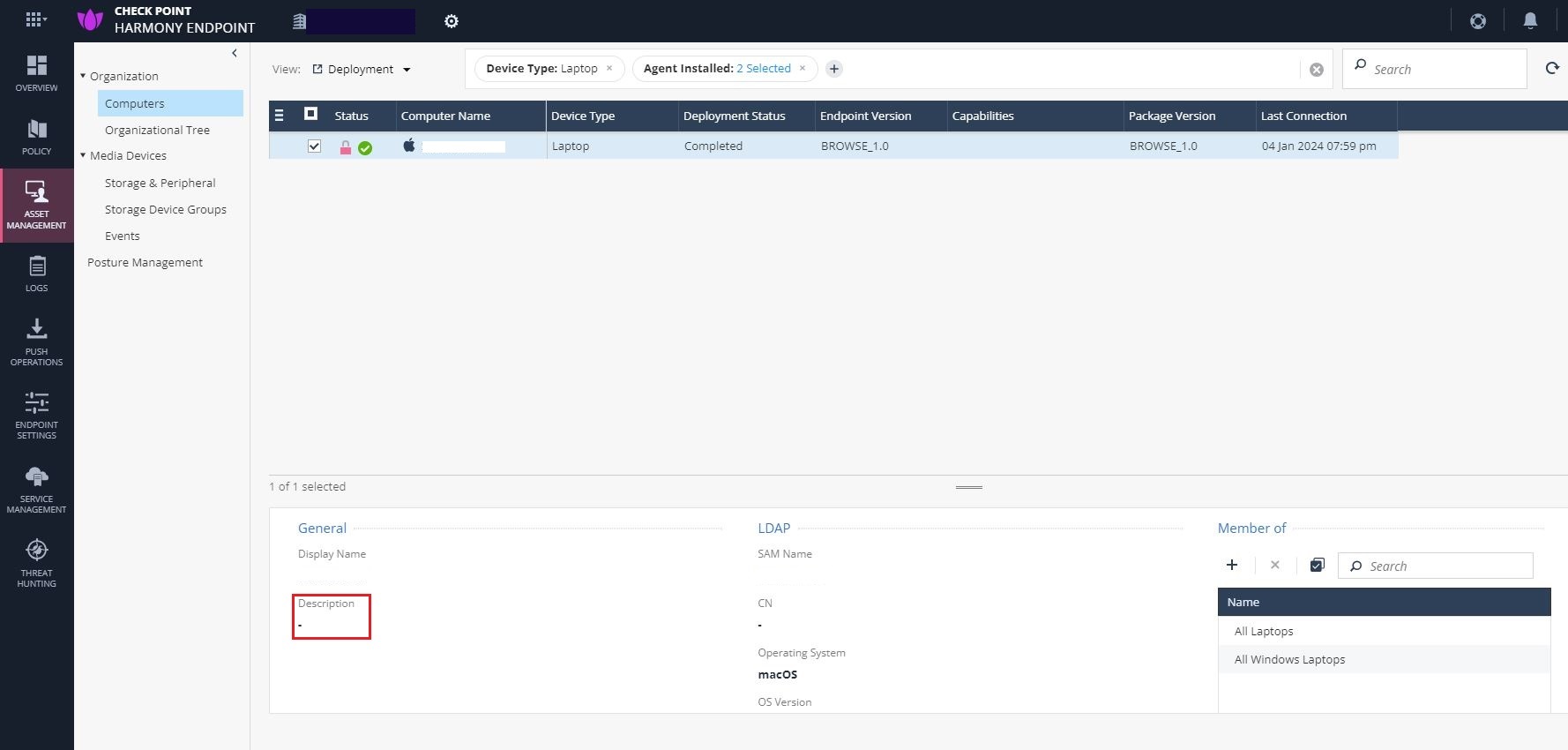
The General > Description at bottom pane shows the text entered in the Active Directory for the asset. If no text is entered, it is blank.
From the View drop-down on the top left, select a preconfigured view:
-
Deployment
-
Compliance
-
Health
-
Full Disk Encryption
-
Anti-Malware
-
Host Isolation
-
Anti-Bot
-
Policy Information
-
Custom
Viewing Device Hardware Information
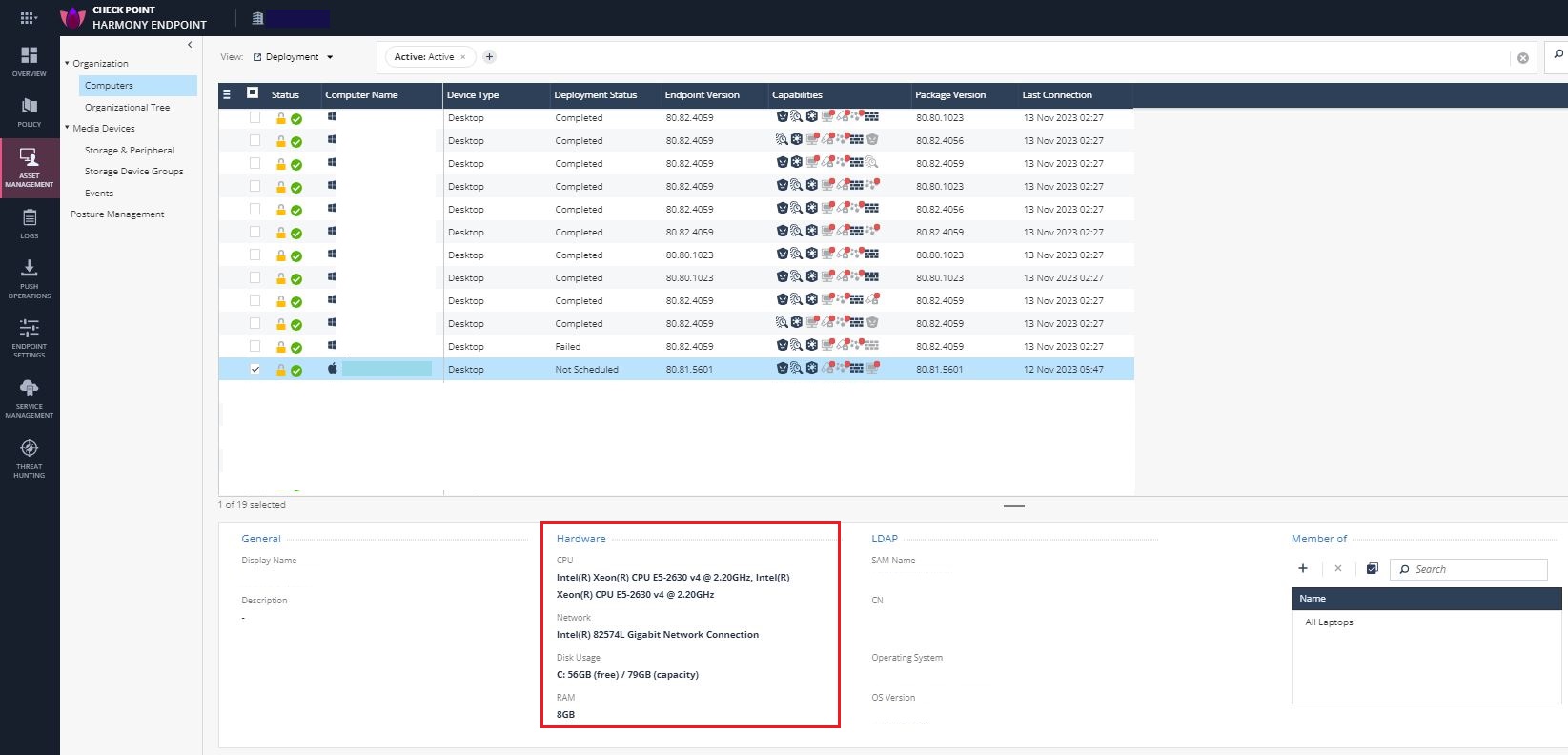
You can view the hardware information of each device in your organization, such as, CPU configurations, network connection, disk usage and RAM.
-
For Windows clients, this feature is supported with Endpoint Security client version E88.00 and higher.
-
For macOS clients, this feature is supported with Endpoint Security client version E88.40 and higher.
To view the device hardware information:
-
Navigate to Asset Management, expand Organization and select Computers.
-
Click the device.
The device information is displayed in the Hardware section.