
Step 2 - On-boarding (Monitor only and Detect and Remediate)
Note:
This step is applicable only if you want to use Monitor only & Remediate protection mode.
To integrate Avanan with Office 365:
-
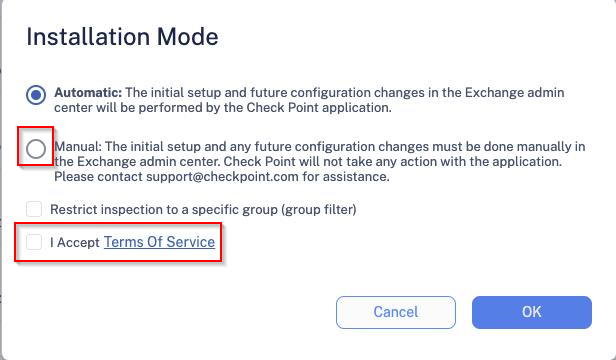
Select the Manual Mode checkbox.
-
Authorize Office 365 security - click Continue and accept the terms.
-
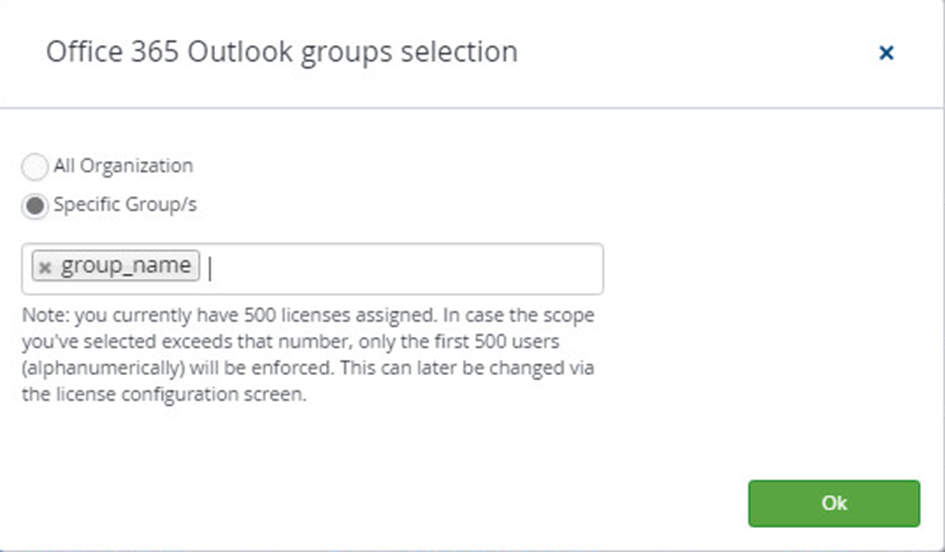
If you select All Organization, make sure you select Apply to all messages in Step 4 - Journal Rule.
-
If you select Specific Groups, enter the group's name and click OK.
Note:The group's name must be identical to the one that appears on Office 365.
-