
Firewall Events
Note:
This page will be deprecated. Upon deprecation, you will be able to find all the new Firewall related events from the Security Events page.
The Firewall Events page allows you to monitor the firewall events.
To view the Firewall Events page, access the SASE Administrator Portal and click Monitor & Logs > Firewall Events.
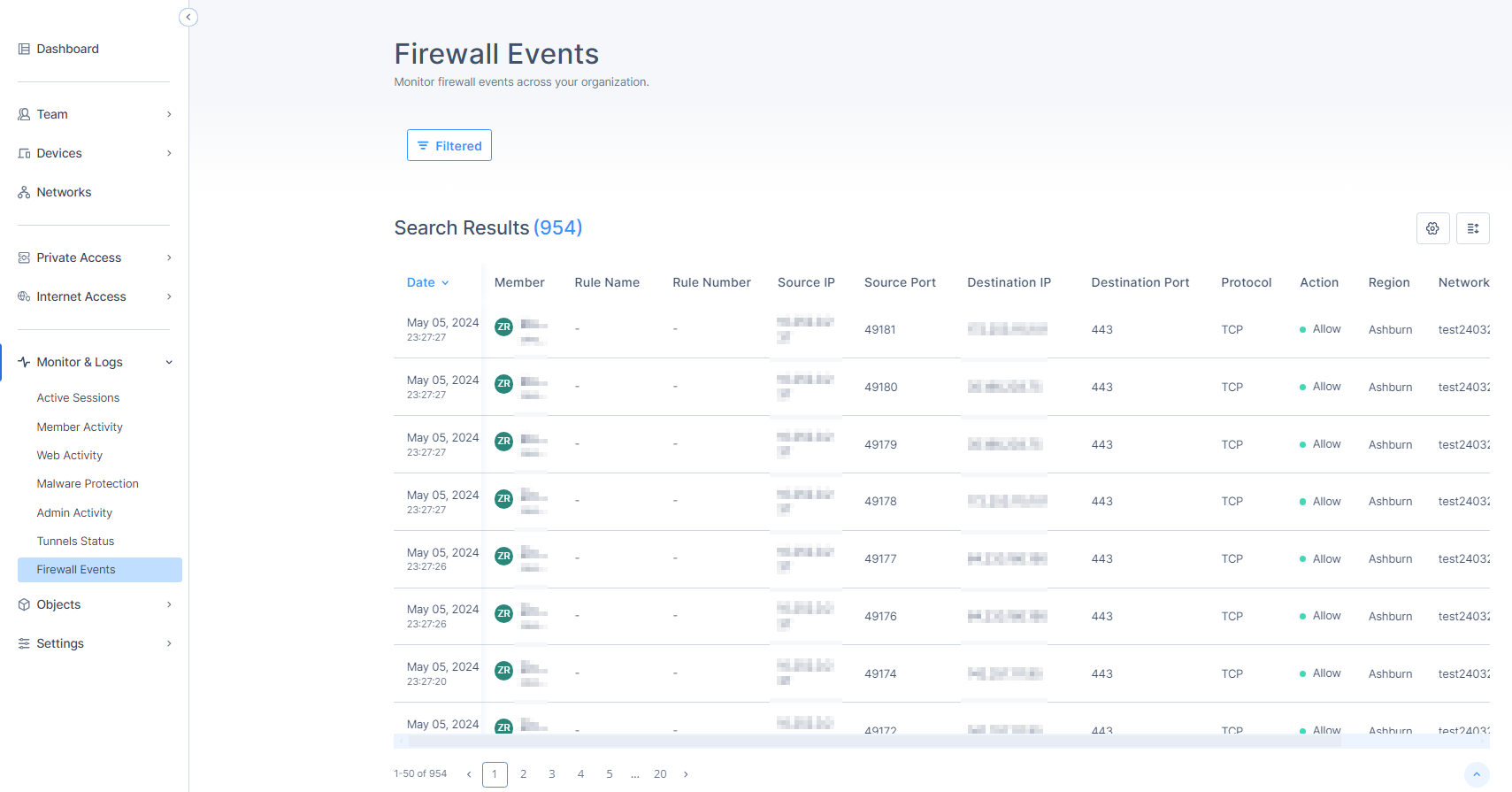
| Column | Description |
|---|---|
| Date | Date and time of the activity. |
| Member | Member name. |
| Rule Name | Rule name configured in the Firewall. |
| Rule Number | Rule number configured in the Firewall. |
| Source IP | IP address of the source. |
| Source Port | Port number on the source IP. |
| Destination IP | IP address of the destination. |
| Destination Port | Port number on the destination IP. |
| Protocol | Communication protocol used for the network activity, for example, TCP, UDP, or ICMP. |
|
Action |
Action taken on the event:
|
| Region | Region of the network. |
| Network | Associated network. |
To select the columns required in the table, click the  icon and select the columns.