
Malware Protection
The Malware Protection page allows you to view:
To view the Malware Protection page, access the SASE Administrator Portal and click Monitor & Logs > Malware Protection.
Insights
Insights shows the number of blocked malicious events, top malware types blocked, and top number of blocked events per user in the last 1 day, 7 days, and 30 days.
Incidents Blocked
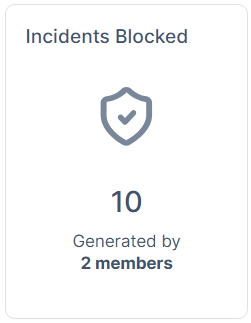
The Incidents Blocked widget shows the total number of blocked malicious files and URLs in the selected time frame.
Malware Types

The Malware Types widget shows the top categories of malware blocked in the selected time frame.
Blocked Malware Per User
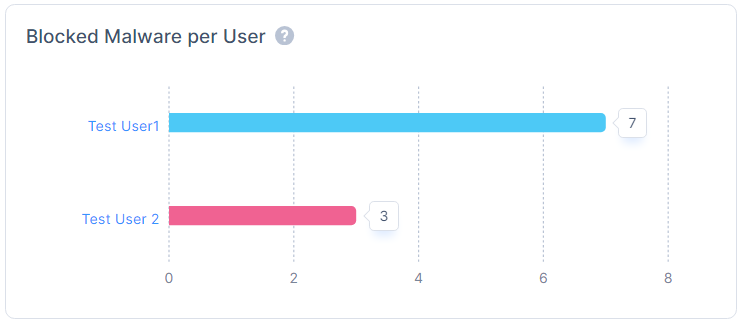
The Blocked Malware per User widget shows the users that have the highest number of incidents for blocked malicious files and URL in the selected time frame.
All Malware Activities
All Malware Activities show a events of all the malware activities.
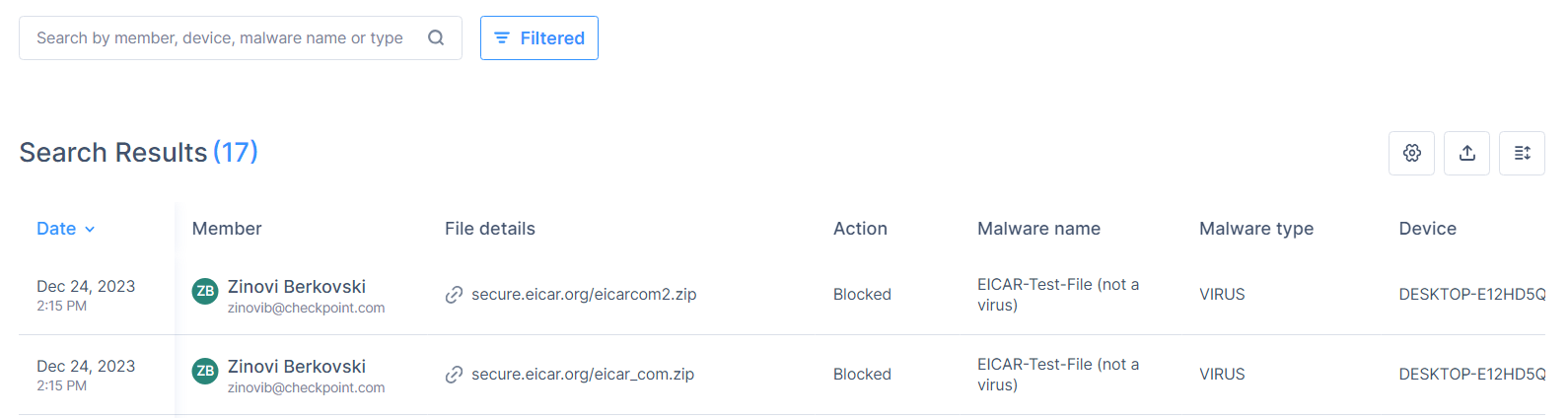
| Column | Description |
|---|---|
| Date | Date and time of the activity. |
| Member | Member name. |
| File Details | File URL. |
Action |
Action taken by Check Point SASE:
|
| Malware name | Malware name. |
| Malware type | Malware type. |
| Device | Device from where the malware was detected. |
To select the columns required in the table, click the  icon and select the columns.
To export the data, click the  icon. The system downloads an archive file with the data in JSON and CSV file format.
You can export data of only 1000 activities at a time.