
Member Activity
The Member Activity page allows you to view these member activities:
- Application access
-
Application authorization successful / failed
-
Application session started / ended
-
- Login
-
Login success / failed
-
Log out success / failed
-
Web console login success / fail
-
User blocked from web console
-
IP blocked from web console
-
Account blocked
-
Device registration success / fail
-
Device unregistration success / fail
-
Network login success / fail
-
Network logout
-
-
Member accepted the invitation
-
Support team login / logout
To view the Member Activity page, access the SASE Administrator Portal and click Monitor & Logs > Member Activity.
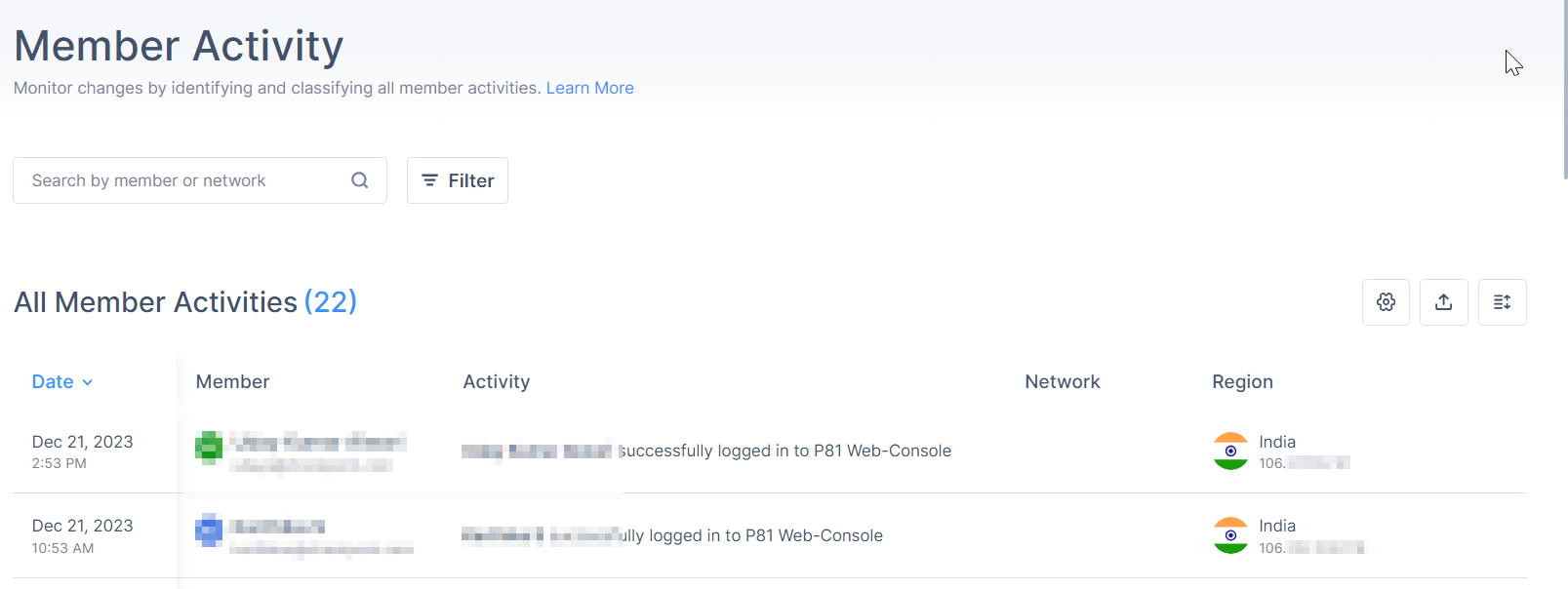
| Column | Description |
|---|---|
| Date | Date and time of the activity. |
| Member | Member name. |
| Activity | Activity description. |
| Network | Connected network name. |
| Region | Region and gateway IP address of the connected session. |
To select the columns required in the table, click the  icon and select the columns.
To export the data, click the  icon. The system downloads an archive file with the data in JSON and CSV file format.