
Appendix B - Creating an Incoming Webhook in the Slack Channel
-
Create a Slack application.
-
Go to Your Apps and click Create New App.
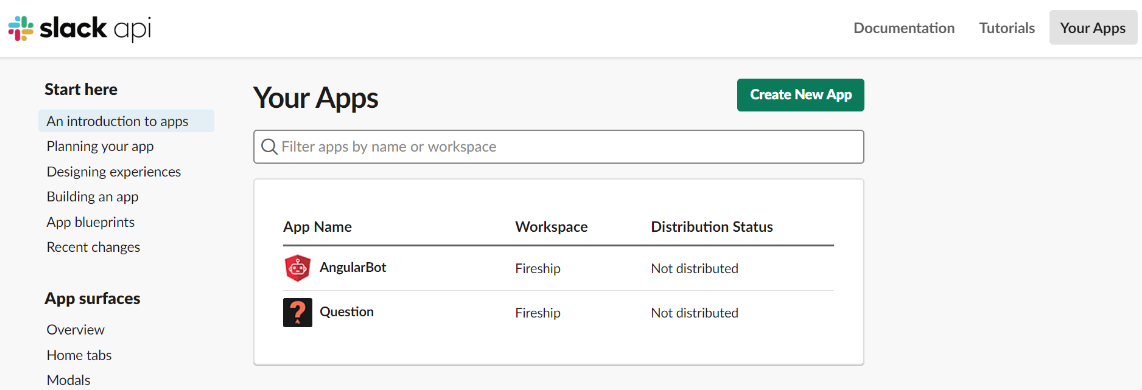
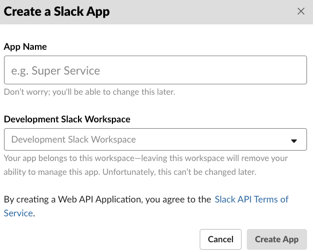
The Create a Slack App window appears.
-
Go to Your Apps and click Create New App.
-
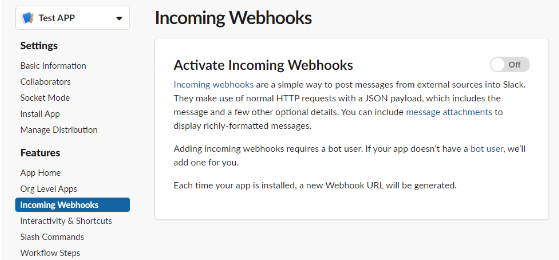
Go to Features > Incoming Webhooks.
-
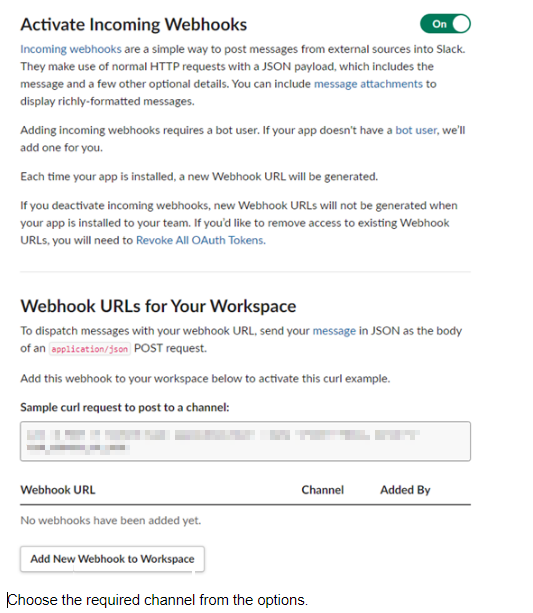
Click Add New Webhook to Workspace.
-
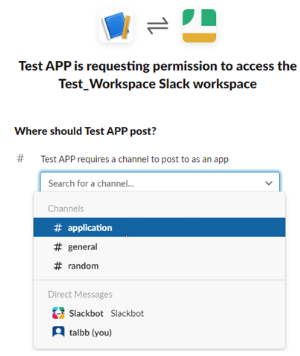
Select the channel from the list to which you want to add the webhook.
-
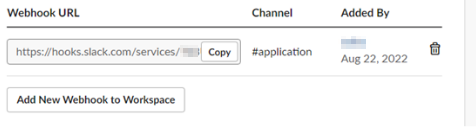
To copy the webhook URL, click Copy.
 Note:
Note:This URL is required to configure the Slack connector.