
Formatting the PEM File
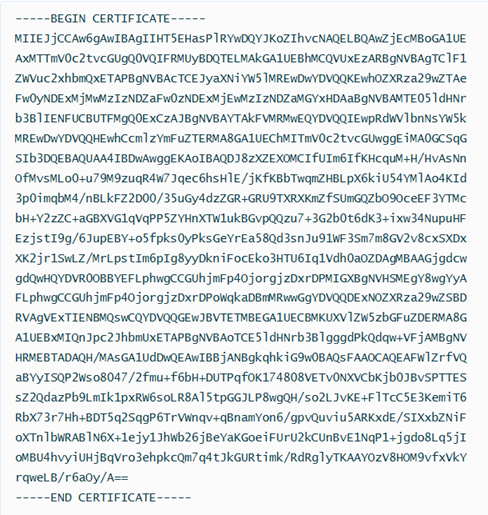
- Start with -----BEGIN CERTIFICATE-----
- A series of Base64 encoded data across multiple new lines.
- End with -----END CERTIFICATE-----
Example:
-
(Optional) If you do not have JSON Query installed, you can use JQ Playground online:
-
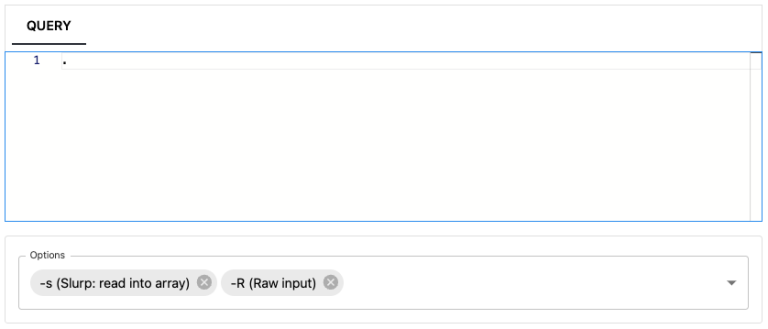
Under Options, choose -s (Slurp: read into array) and -R (Raw input).
-
Under JSON, copy and paste the PEM file content.
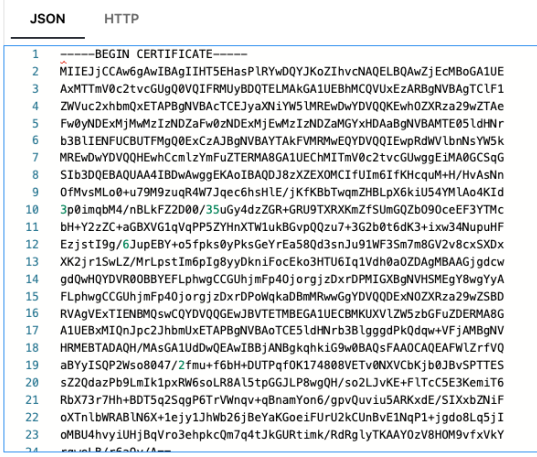
After reformatting in the JSON format with a single line with the new-line \n characters inserted, your PEM file should look similar to this:

-
Under Options, choose -s (Slurp: read into array) and -R (Raw input).