Schedule Trigger
Configure a schedule trigger to run automation at recurring intervals. The task explains how to select the repetition frequency and create the trigger.
Schedule Trigger
In the Schedule Trigger window:
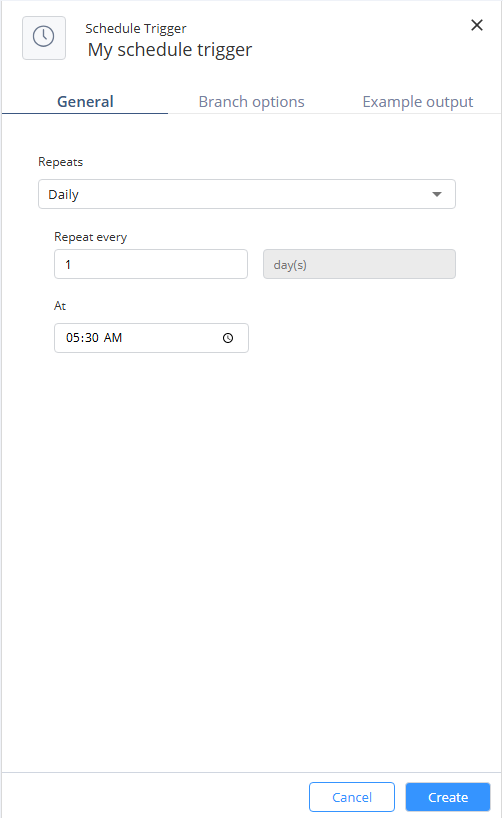

Configure a schedule trigger to run automation at recurring intervals. The task explains how to select the repetition frequency and create the trigger.
Schedule Trigger
In the Schedule Trigger window: