Creating an Authentication

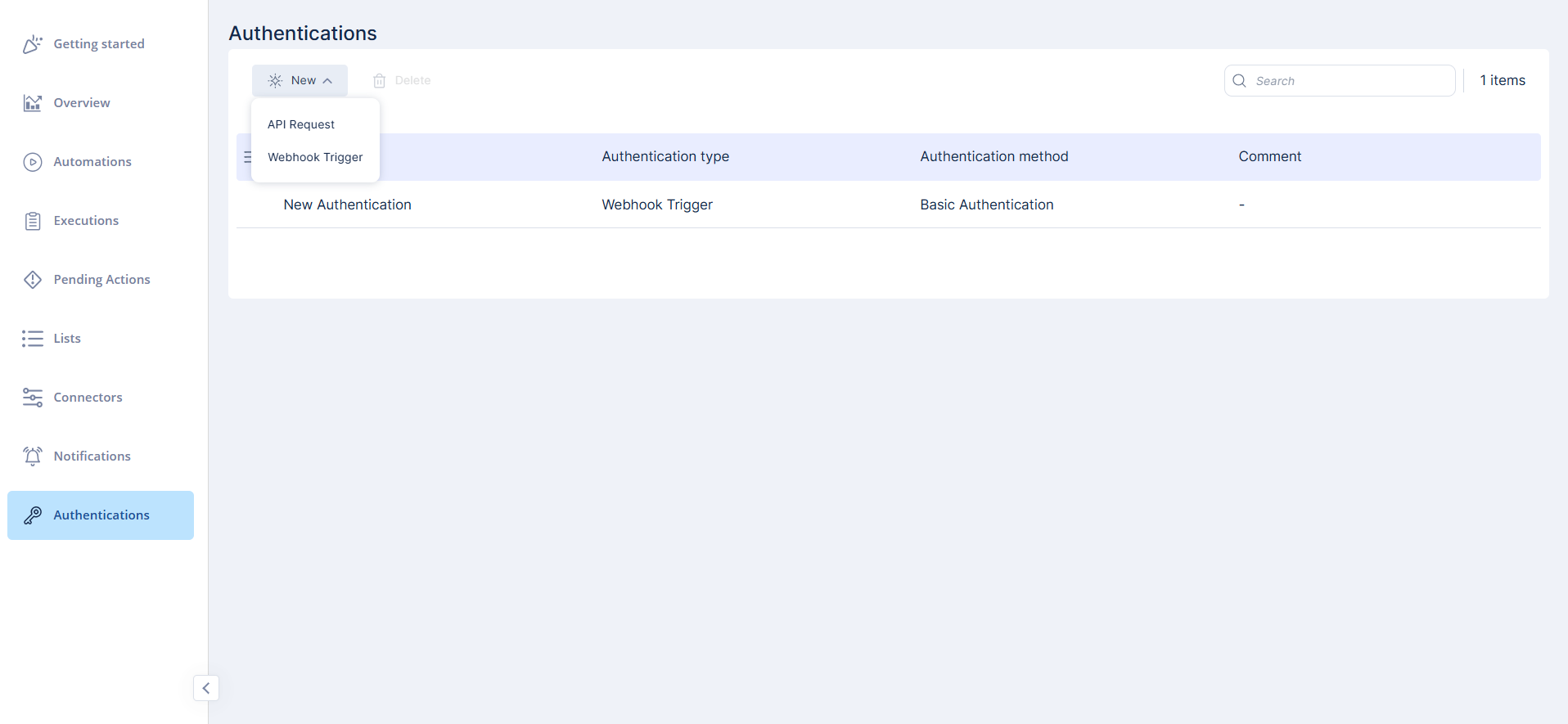
Authentications are used to secure API requests and webhooks. You can view, create, edit, and delete authentications from the Authentications page.

To create a new authentication:

  1. On the Authentications page, click New.
  2. Select the authentication type.
    • API Request

    • Webhook Trigger

  3. Enter the required details for the selected type.
  4. Click Save to create the authentication.
    Note:

    We recommend adding authentication for security. Even if someone obtains the webhook URL, they still need valid credentials.

  5. You can also create other authentication types.
    • Webhook Trigger authentication directly from a webhook's configuration (see Creating a Webhook).

    • An API Request authentication from within the API Request step (see API Request).