
Using a Webhook
-
Copy the webhook URL from the webhook card.
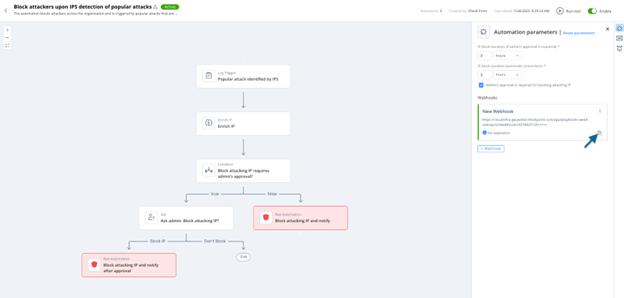 Note:The webhook URL is sensitive. Do not share or expose it. Anyone with access to the URL can trigger the webhook.
For Webhook Trigger step schema definitions, see Appendix G - Using Custom Automation Step Schemas.
For webhook REST APIs, see Appendix H - Webhooks and Authentications.