
Triggering an Out-of-the-Box Automation Using Webhooks
-
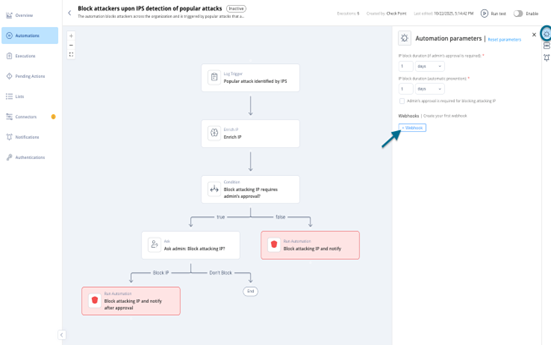
In the Automation Parameters panel, click +Webhook.
-
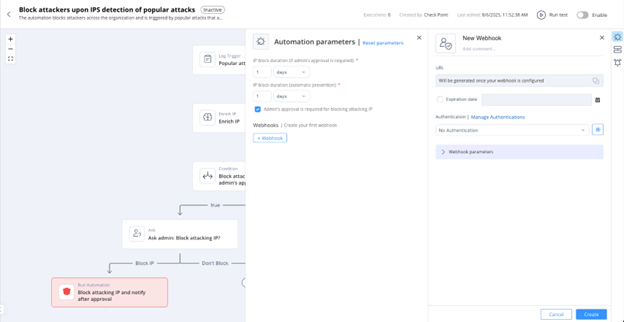
In the New Webhook window, enter the required details.
-
(Optional) Authentication
-
(Optional) Authentication