Cloning Existing Automation
You can clone an existing automation for editing and customization. To do that:
Cloning Existing Automation
-
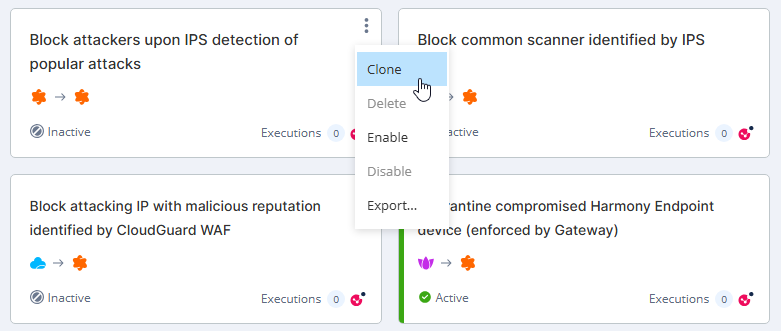
In the card view, click
 in an automation card that you want to clone and then click Clone.
-
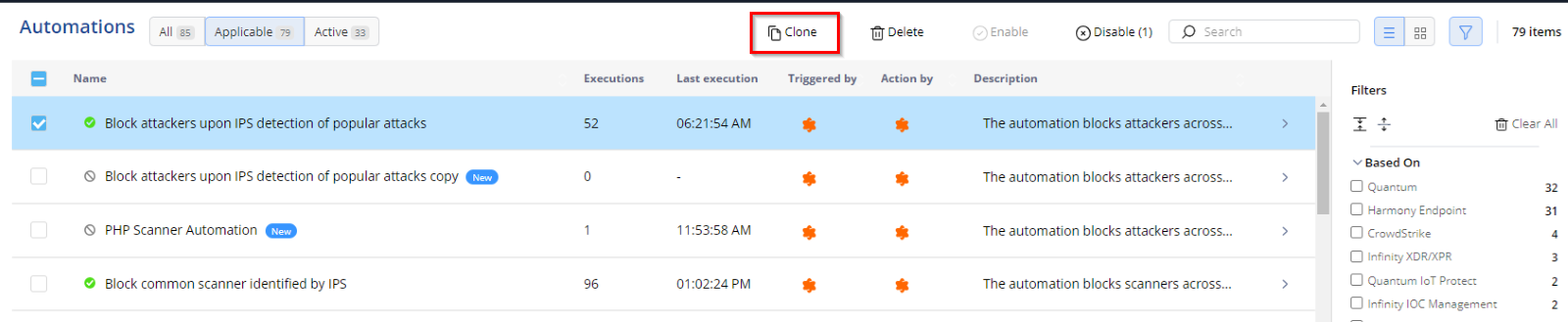
In the table view, select the automation that you want to clone and then click Clone.