
Viewing Connected UEMs
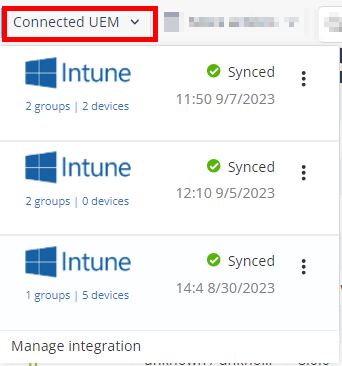
The Connected UEMs option allows you to view the sync status of the UEMs integrated with your tenant.
-
Go to Devices > Connected UEM.
The system shows a log of UEM syncs.
-
To force an immediate device sync without waiting for the next auto sync cycle, click
 and then Sync now.
-
To temporarily stop or resume the device sync process, click and then click Pause or Resume.