Step 3 - Enable Threat Prevention API
- To modify API Settings using the GuiDBedit tool, close all the active SmartConsole sessions.
- Launch the GuiDBedit tool and connect to the Security Management Server.
-
Press CTRL+F and search for the
enable_scrub_web_servicefield. - Change the value of all the matching entries to true.
-
Save the configuration by navigating to File > Save All and close the GuiDBedit Tool.
Note:
For the API to properly function, set the
enable_scrub_web_serviceentry to true. - In the SmartConsole, open TE Appliance Object Properties
- Navigate to the Threat Extraction tab.
- Enable Web API.
- Connect to the SSH Client and switch to Expert mode to enable API access and logging.
- Open the /opt/CPUserCheckPortal/phpincs/conf/TPAPI.ini file in a text editor. For example, VI editor.
-
Locate
logs_api_enabledand change its value to TRUE.Note:When Threat Prevention is used, you can retrieve the original File by allowing logging for Zero Phishing.
-
Execute the following commands to configure and enable the web service.
[Expert@HostName:0]# pkill scrubd-
[Expert@HostName:0]# /opt/CPUserCheckPortal/scripts/configure_scrub_web_service.sh enableNote:If no API key has been set, the script will auto-generate a random key. This key can be viewed and modified in the /opt/CPUserCheckPortal/phpincs/conf/TPAPI.ini file.
-
[Expert@HostName:0]# mpclient restart UserCheck
-
Run the following command on TE Appliance to enable Logging for Threat Emulation.
[Expert@HostName:0]# tecli advanced remote emulator logs enableNote:This requires a Threat Emulation Engine Update 6 or later. For more information about upgrade instructions and version details, see sk95235.
-
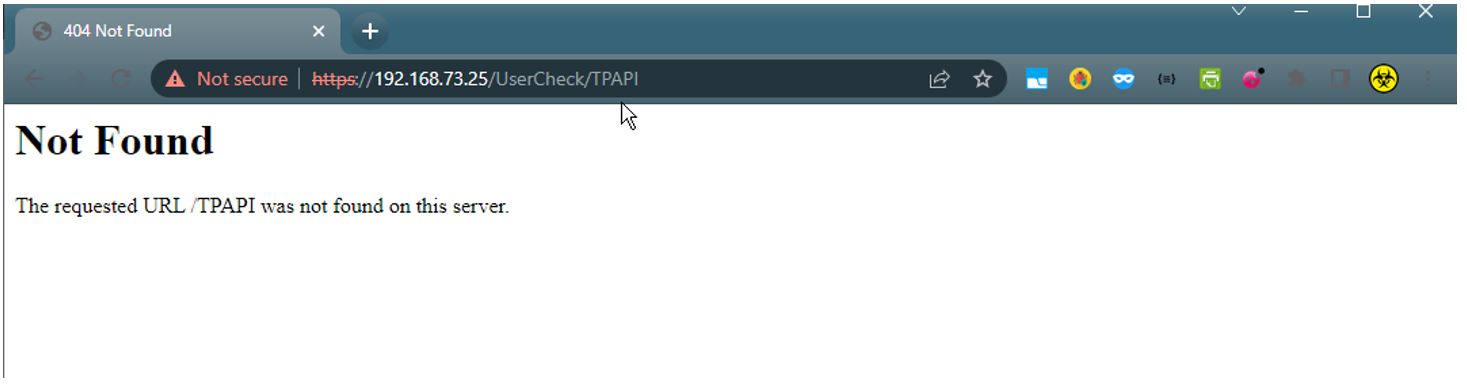
To check the configuration of the TE Appliance and to respond to the Threat Emulation API, enter https://<IP_Address_of_TE_Appliance>/UserCheck/TPAPICheck in a browser.
A 404 Page Not Found message indicates that the API endpoint is reachable and active.
Note:If you receive an Insecure Response or face certificate error in your browser, it may be caused by one of the following:
-
The certificate is issued to a different FQDN/IP than the one used in the URL.
-
The certificate uses a SHA-1 hash algorithm, which most browsers do not comply with.
-
The client system does not trust the certificate.
If you use the Firefox browser, note that the browser has a certificate store and importing the certificate from the Windows store is not recommended.
-