
Accessing the Endpoint Security Administrator Portal
This task describes how to access the Endpoint Security Administrator Portal. It provides step-by-step instructions for signing in and navigating through the menu options.
Note:
The Endpoint Security Administrator portal (in the Check Point Portal) is supported only through the Google Chrome browser.
-
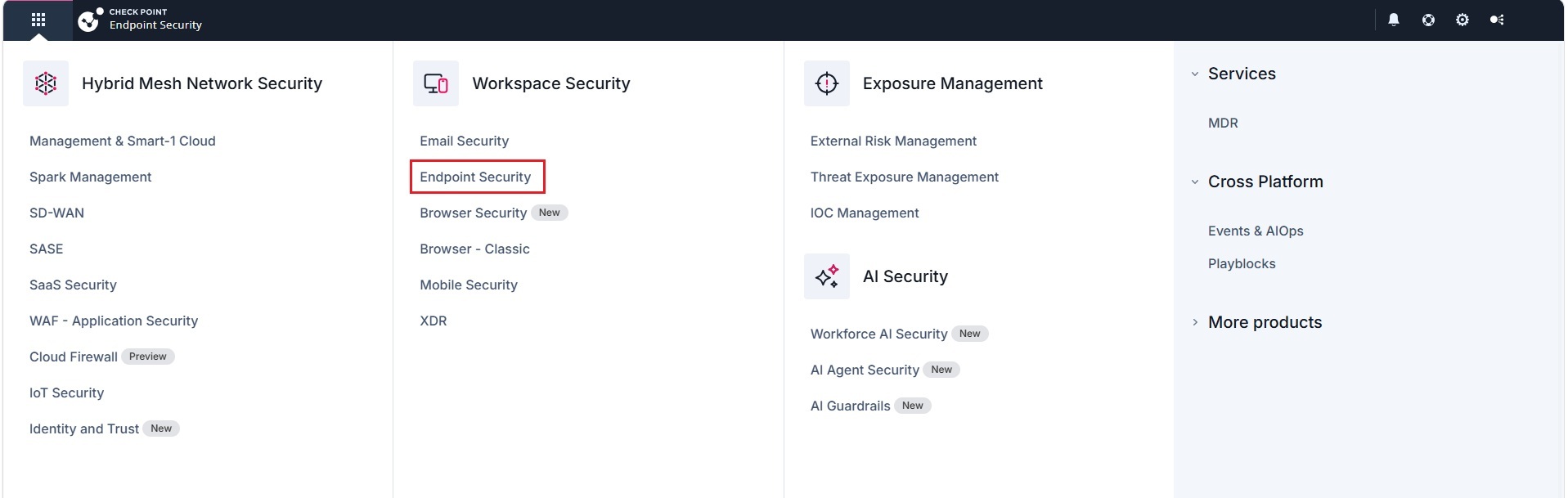
Click the Menu button (
 ) in the top left corner.
-
Under Workspace Security, click Endpoint.
-
If you are accessing the portal for the first time, do one of these.
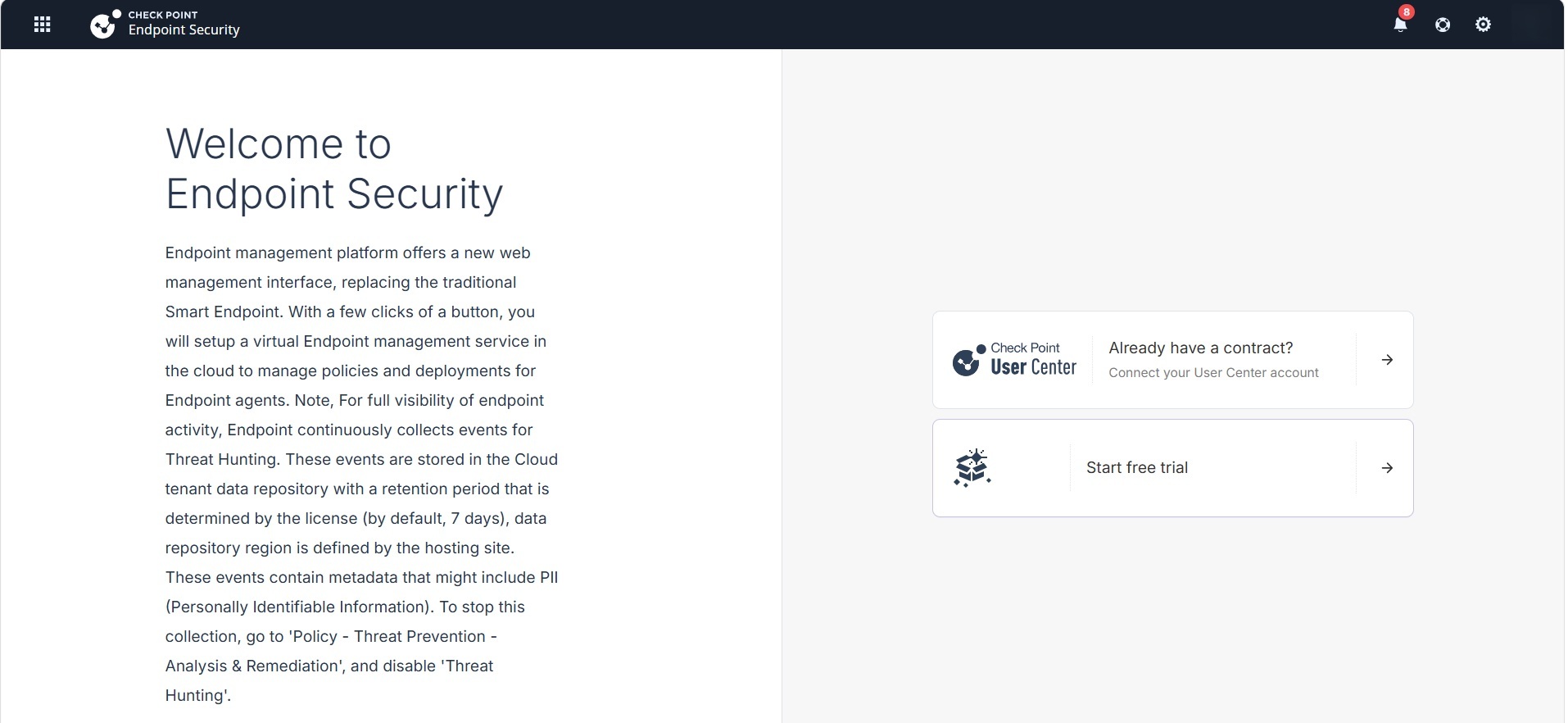
- If you already have a Check Point contract, click Already have a contract? to attach the contract to the product. For more information, see Associated Accounts in the Check Point Portal Administration Guide.
- If you want to trial the product, click Start free trail.
If you have already attached the contract with the product, the Endpoint Security Getting Started appears.