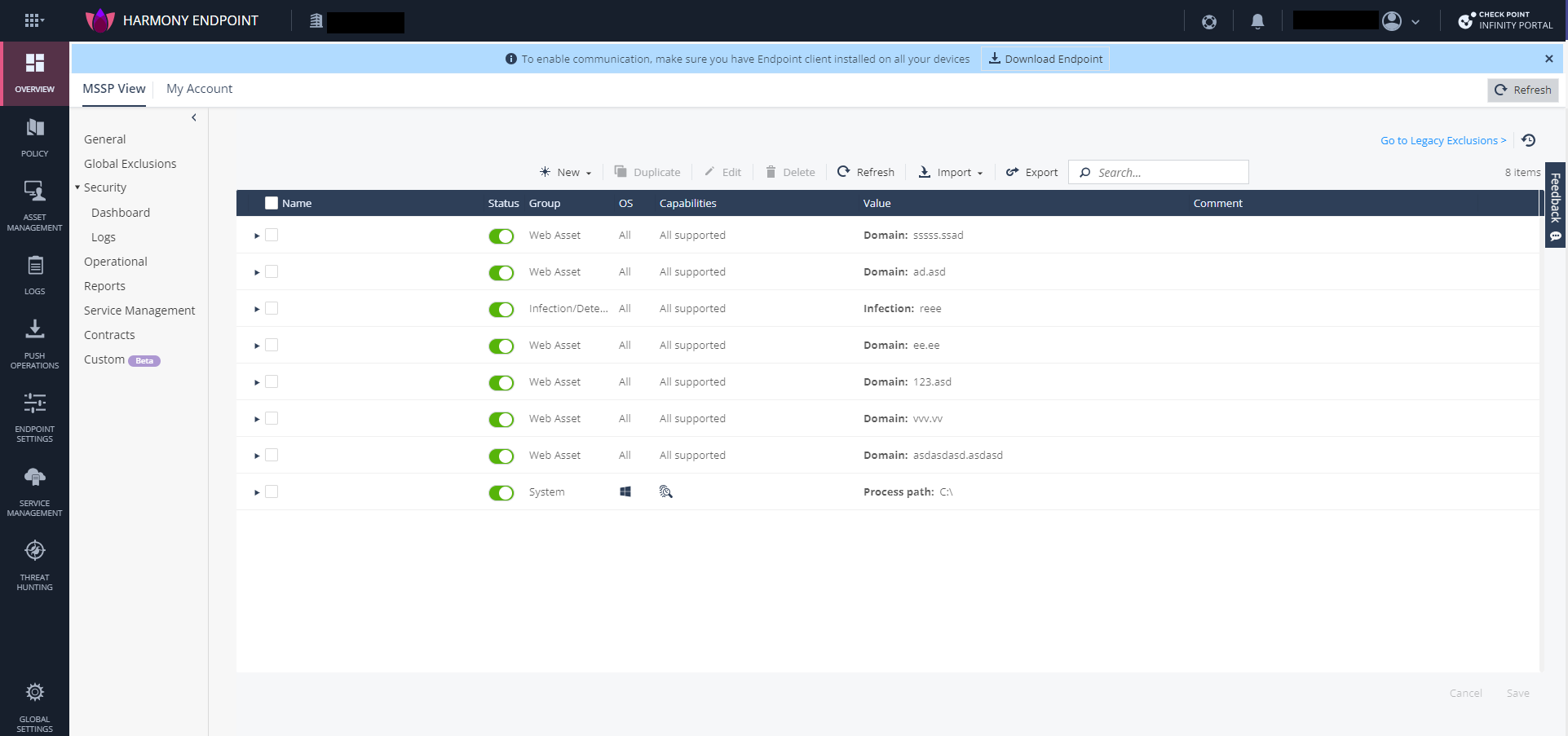
Adding Global Exclusions using Smart Exclusion
For information on how to add exclusions using Smart Exclusion, see Adding Global Exclusions.
After you add exclusions, click Save. The exclusions are installed on the Endpoint Security Management Server and enforced on the endpoint through the Endpoint Security Client.
CAUTION:
When you click Save, in addition to the exclusion changes, all the policy changes that have been saved for the corresponding capability in the child accounts are also installed on the Endpoint Security Management Server. For example, if you have added Anti-Malware exclusions, then all the saved changes related to the Anti-Malware policy in the child accounts are installed to the Endpoint Security Management Server.