
Trusting Senders - End User Experience
When the administrator has configured the policy such that the user is allowed to trust senders, the user will get an option in the End-User Daily Quarantine Report (Digest) to trust senders and their domains.
To allow users to trust senders, configure the policy in the Avanan Administrator Portal. See Trusted Senders.

To trust a sender or domain:
-
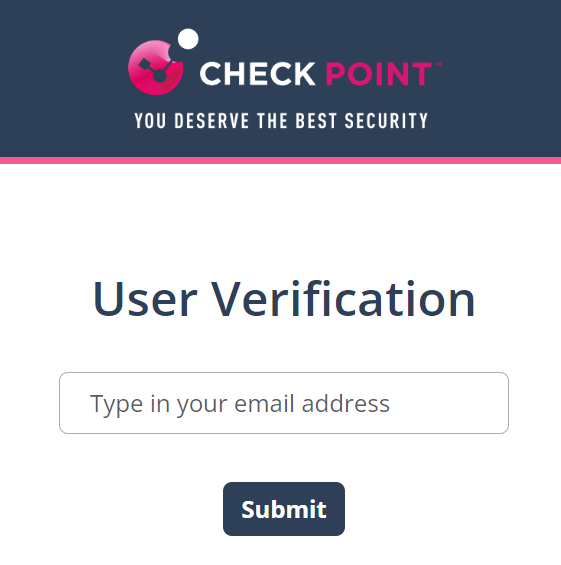
Enter your email address and click Submit.
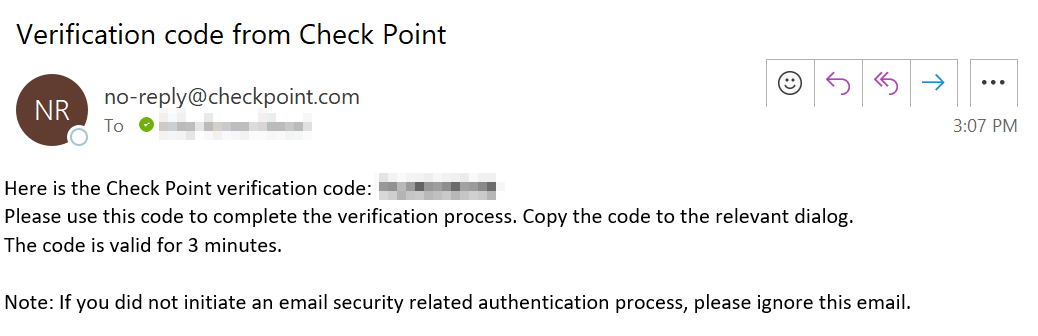
The system sends an email notification with a verification code.
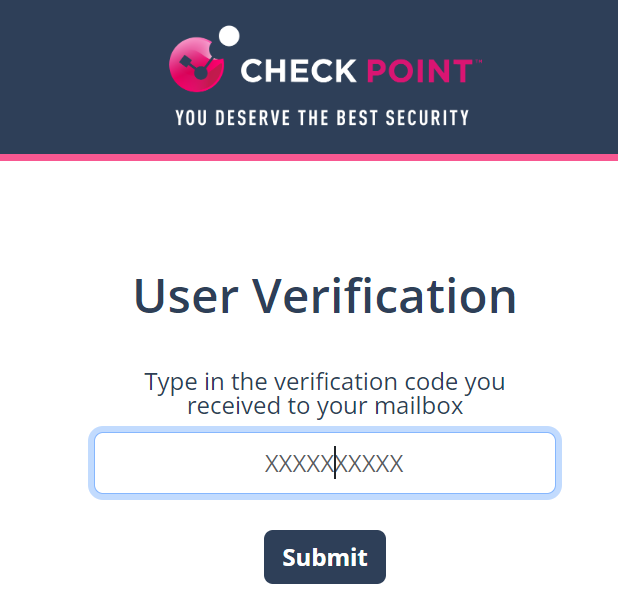
Enter the verification code received from the email and click Submit.
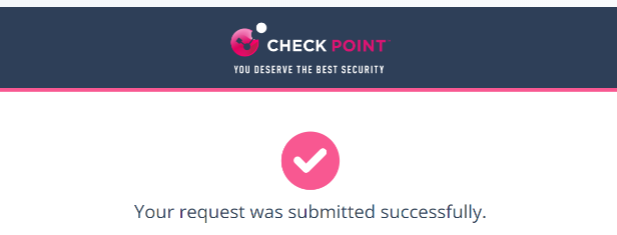
After successful verification, the system shows the status.
Once an administrator approves the request, the system adds the sender to the trusted senders list.