
Trusted Senders
Administrators can allow end users to trust senders and domains, so that spam emails sent from these senders are delivered directly to the users' mailbox.
Note:
If the emails are classified as phishing or contain malware, they will still be quarantined.
To allow end users to trust senders:
-
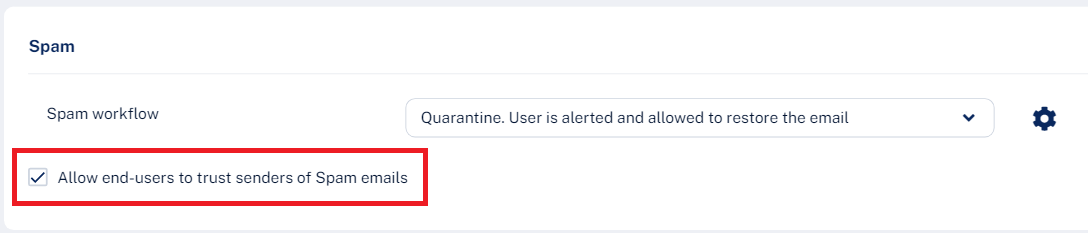
Scroll down to the Spam section and select the Allow end-users to trust senders of Spam emails checkbox.
For information about how to manage senders trusted by end users, see Trusted Senders - End-User Allow-List.