Notifications and Banners
Avanan supports only PNG image links in email notification templates.
To configure email notifications:
-
Go to Security Settings > SaaS Applications.
-
Select the required email service (Office 365 Mail or Gmail).
-
Click Advanced and select the template.
-
Configure the template as required.
Request / Report Type Template Name Rejected quarantine restore request Decline message subject Decline message body Declined Phishing report Report Phishing decline subject Report Phishing decline body Approved Phishing report Report Phishing approve subject Report Phishing approve body For more information about the supported placeholders, see Notification and Banner Templates - Placeholders.
-
Click Save.
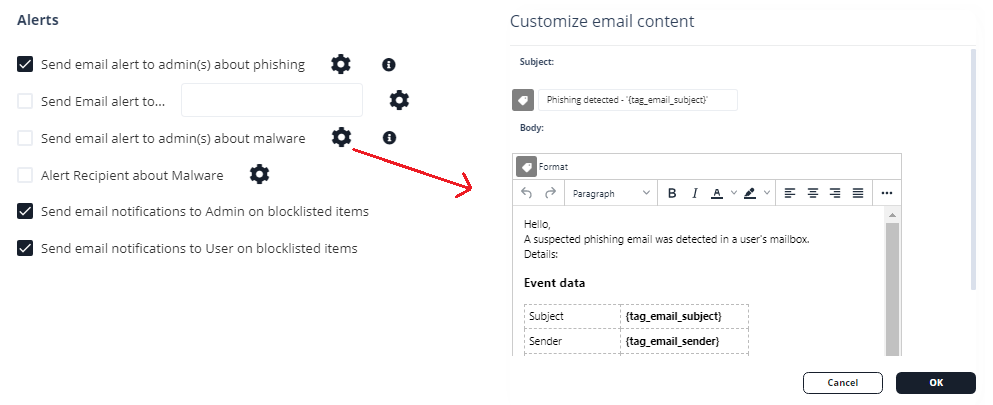
Administrators can also configure the notifications and banners per policy. To configure them, click the cog icon next to the workflow and make the required changes.