Excluding Specific Sender Domains from Smart Banner
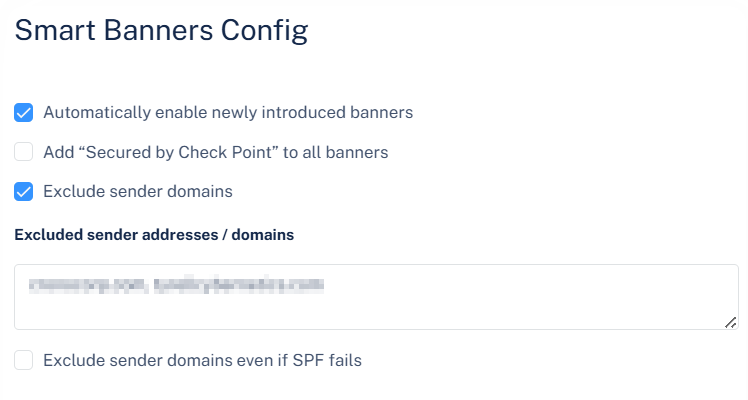
Avanan allows administrators to exclude Smart Banners from emails sent by specific domains. To do that:
-
Click Settings next to the Smart Banners at top left corner.
The Smart Banners Config pop-up appears.