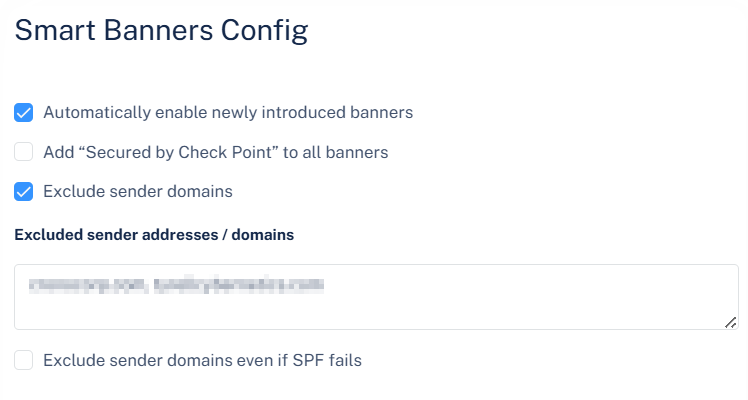
Automatically Enabling New Smart Banners
Avanan periodically introduces new banners for additional elements and characteristics. To enable these banners automatically:
-
Click Settings next to the Smart Banners at top left corner.
The Smart Banners Config pop-up appears.